English
English
Appearance

Easily upload images, PDFs, and JSON files to IPFS and get a permanent content identifier (CID) with instant gateway access.
POST /upload/new with your file.The InterPlanetary File System (IPFS) is a decentralized, peer-to-peer storage protocol. IPFS breaks files into smaller chunks, distributes them across the network, and assigns each file a unique content identifier (CID) based on its contents.
This means:
IPFS Ninja is a managed service that lets you upload files and pin existing content on IPFS through a simple REST API. No need to run your own IPFS node.
POST /upload/new and get a permanent CIDPOST /pin to ensure it stays availableipfs.ninja/ipfs/<CID> (the apex gateway only serves CIDs in your account or in other IPFS Ninja accounts — see Gateway access below)Track uploads, storage, and gateway bandwidth from your personal dashboard. The dashboard also lets you drive most of the API without writing code:
.car archives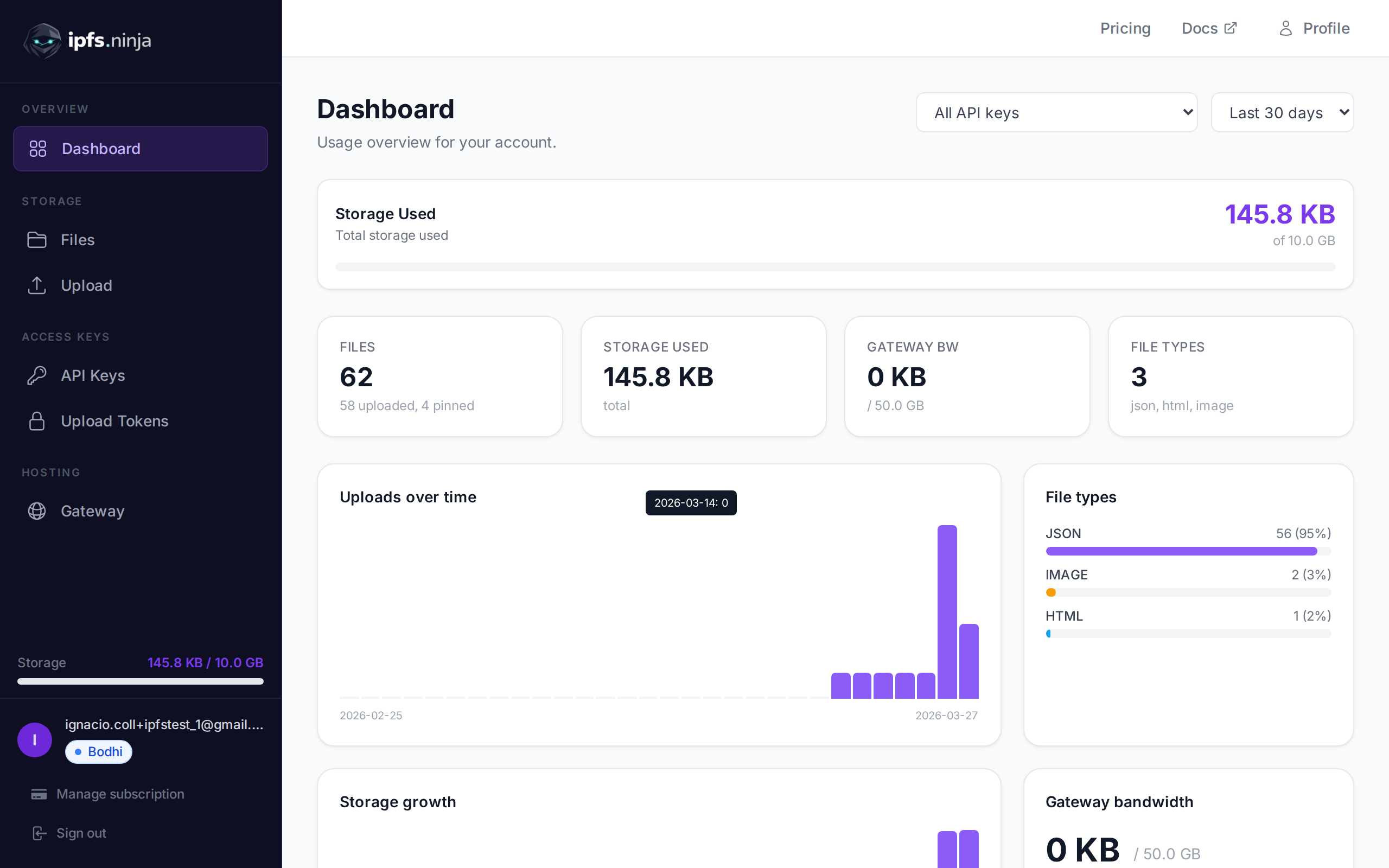
Every uploaded file is accessible through the IPFS Ninja gateway, which acts as a bridge between the decentralized IPFS network and traditional web browsers.
The gateway URL follows this pattern:
https://ipfs.ninja/ipfs/<CID>Apex gateway scope
The apex gateway at https://ipfs.ninja/ipfs/<CID> only serves CIDs that have been uploaded or pinned by a registered IPFS Ninja user. Requests for any other CID return HTTP 410 Gone with a pointer to public IPFS gateways like ipfs.io or dweb.link. To serve a third-party CID through our gateway, sign up free and POST /pin it to your account first.
TIP
Your files are also accessible from any public IPFS gateway (e.g. dweb.link, w3s.link) using the same CID — the IPFS network is decentralized.
All paid plans get a dedicated gateway at their own subdomain (<slug>.gw.ipfs.ninja) that only serves files pinned to their account — with optional token-based access control and origin restrictions. The dedicated gateway is the recommended URL for production embedding (videos, NFT viewers, websites).
| Type | Formats | Input |
|---|---|---|
| JSON | Any valid JSON object or array | string / object |
| Images | PNG, JPG, WebP, GIF, TIFF, SVG | base64 |
| PDFs | Standard PDF documents | base64 |
| HTML | HTML documents | base64 |
| Any | Any file (binary, text, video, etc.) | base64 |
All file types are accepted. The type is auto-detected and recorded for your reference.
Security
Gateway responses include security headers (Content-Security-Policy: sandbox, X-Content-Type-Options: nosniff, X-Frame-Options: DENY) that prevent browsers from executing scripts in served content.