English
English
Appearance

Upload, list, and retrieve files on IPFS. See authentication for API key setup, and errors for HTTP status codes.
POST /upload/new
Upload any file to IPFS. The file is pinned and a permanent CID is returned.
| Parameter | Type | Required | Description |
|---|---|---|---|
content | string | object | Yes | JSON object/array, or base64-encoded file data (images, PDFs, HTML, or any file type). For CAR imports, base64-encoded CAR file. |
car | boolean | No | Set to true to import a CAR file (DAG import). Preserves exact CIDs. |
description | string | No | Short description of the uploaded content. |
metadata | object | No | Custom key-value pairs to attach to the file. Max 10 keys. Keys must be alphanumeric or underscore, 1-64 characters. Values must be strings, max 256 characters each. Total metadata size must not exceed 4 KB. |
fileType | string | No | Explicit override for the stored fileType label (see Automatic type detection below for the full list of valid values). Corrects only the label shown in the dashboard and returned by List/Get File — it never skips or weakens content-safety scanning, which always runs against the real uploaded bytes regardless of this value. Unknown values are rejected with a 400. |
Every upload is classified from the actual file bytes — never from a filename, extension, or Content-Type header. Detection runs in this order:
image, pdf, video, audio, archive, font, document).html, svg, xml, and markdown from plain text.binary.This same detection logic runs consistently across every upload surface — the direct API, S3-compatible API, CAR import, and pin-by-CID — so a given file gets the same fileType label no matter which route you use to store it.
Possible fileType values: json, image, pdf, html, xml, svg, video, audio, markdown, text, archive, font, document, binary, directory, car, pinned. If auto-detection ever gets it wrong for your use case, pass the fileType parameter above (or metadata.fileType / x-amz-meta-filetype for CAR and S3 uploads — see CAR Import and S3 Compatibility) to set the label explicitly.
curl -X POST https://api.ipfs.ninja/upload/new \
  -H "X-Api-Key: bws_your_api_key_here" \
  -H "Content-Type: application/json" \
  -d '{
    "content": { "name": "example", "value": 42 },
    "description": "Test upload",
    "metadata": {
      "project": "my-app",
      "environment": "production"
    }
}'const fs = require("fs");
const image = fs.readFileSync("photo.png").toString("base64");
const response = await fetch("https://api.ipfs.ninja/upload/new", {
method: "POST",
headers: {
"X-Api-Key": "bws_your_api_key_here",
"Content-Type": "application/json"
},
body: JSON.stringify({
content: image,
description: "Profile photo"
})
});200 OK {
"cid": "bafybeigdyrzt5sfp7udm7hu76uh7y26nf3efuylqabf3oclgtqy55fbzdi",
"sizeMB": 0.042,
"uris": {
"ipfs": "ipfs://bafybeigdyrzt5sfp7udm7hu76uh7y26nf3efuylqabf3oclgtqy55fbzdi",
"url": "https://ipfs.ninja/ipfs/bafybeigdyrzt5sfp7udm7hu76uh7y26nf3efuylqabf3oclgtqy55fbzdi"
}
}CIDv1 by default
New uploads return modern CIDv1 (bafk… for small single-block content, bafy… for larger files and directories) per the IPIP-0499 unixfs-v1-2025 profile — 1 MiB chunks with raw leaves. Legacy Qm… CIDs from earlier uploads remain fully resolvable and continue to work with every endpoint.
Dashboard alternative
The dashboard's /upload page accepts drag-and-drop for files, folders (packed into a UnixFS directory in the browser), and .car archives — all routing through this same endpoint. See CAR Import for details on the CAR path.
The API accepts JSON objects and arrays directly, plus base64-encoded binary files: images (JPEG, PNG, GIF, WebP), PDFs, HTML, and any other file type. The server auto-detects content type from the payload — see Automatic type detection above for the full list of recognized types and how the classification works.
The response cid is the permanent IPFS content identifier for the uploaded file. sizeMB is the stored size in megabytes. The uris object contains both the native ipfs:// URI and an HTTPS gateway URL suitable for direct browser access.
PUT /files/:cid/name
Update the display name shown on a file. The CID does not change — it's a hash of the content — only the label you see in your file list.
| Parameter | Type | Required | Description |
|---|---|---|---|
name | string | Yes | New display name. 1-200 characters. Must not contain path separators (/, \). Whitespace-only names are rejected. |
curl -X PUT https://api.ipfs.ninja/files/bafybeigdyrzt5sfp7udm7hu76uh7y26nf3efuylqabf3oclgtqy55fbzdi/name \
  -H "X-Api-Key: bws_your_api_key_here" \
  -H "Content-Type: application/json" \
-d '{ "name": "Season 1 promo art" }'200 OK {
"success": true,
"cid": "bafybeigdyrzt5sfp7udm7hu76uh7y26nf3efuylqabf3oclgtqy55fbzdi",
"name": "Season 1 promo art"
}Dashboard
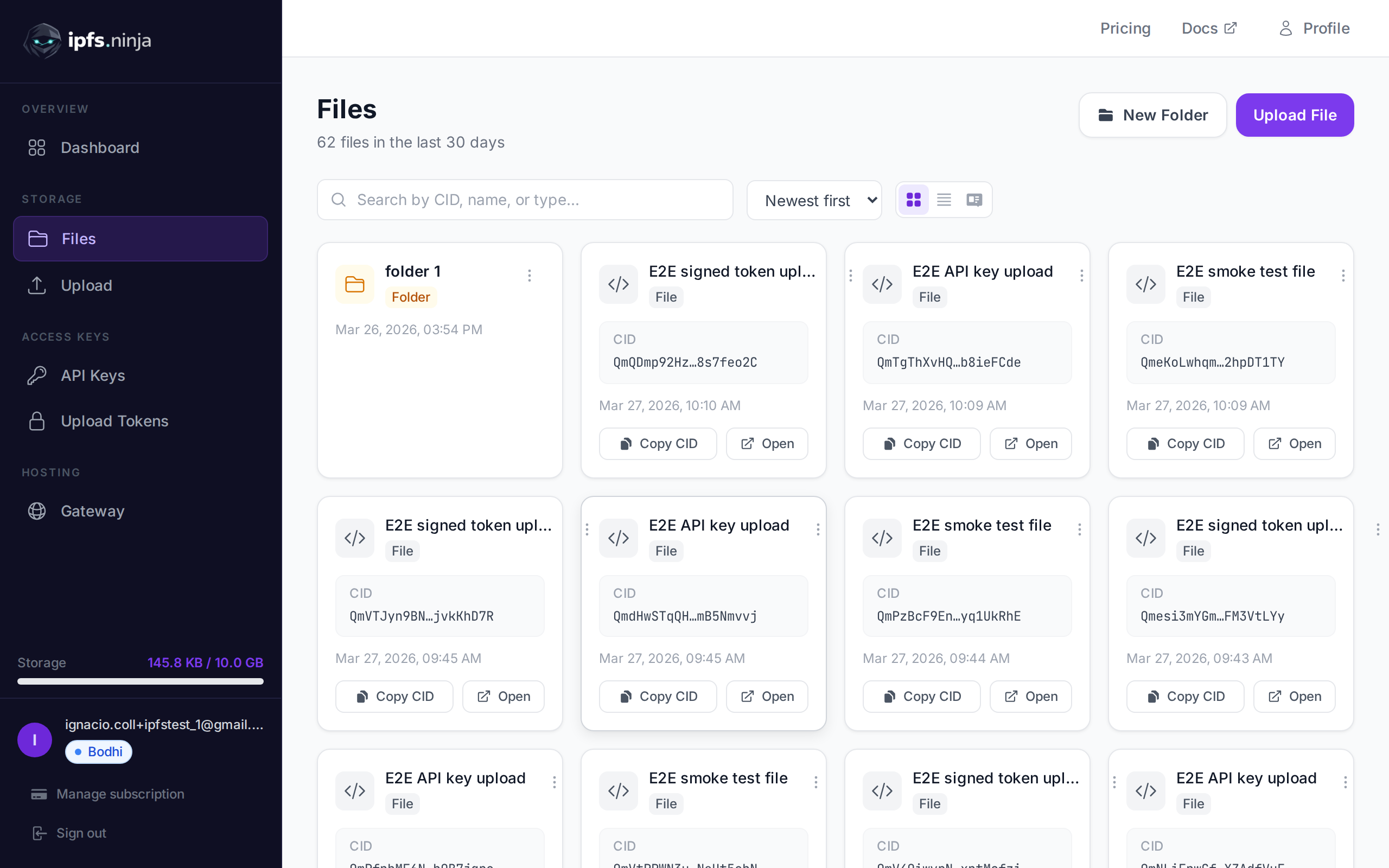
The Files page has a Rename entry in each file row's action menu (three-dot button). Same effect, no code needed.
GET /upload/list
Retrieve a list of your uploaded IPFS files within a time range.
| Parameter | Type | Required | Description |
|---|---|---|---|
from | number | Yes | Start of time range, Unix timestamp in milliseconds. |
to | number | Yes | End of time range, Unix timestamp in milliseconds. |
curl "https://api.ipfs.ninja/upload/list?from=1704067200000&to=1735689600000" \
-H "X-Api-Key: bws_your_api_key_here"200 OK [
{
"cid": "bafybeigdyrzt5sfp7udm7hu76uh7y26nf3efuylqabf3oclgtqy55fbzdi",
"fileName": "Test upload",
"fileType": "json",
"sizeMB": 0.001,
"createdAt": 1711036800000,
"metadata": {
"project": "my-app",
"environment": "production"
},
"uris": {
"ipfs": "ipfs://bafybeigdyrzt5sfp7udm7hu76uh7y26nf3efuylqabf3oclgtqy55fbzdi",
"url": "https://ipfs.ninja/ipfs/bafybeigdyrzt5sfp7udm7hu76uh7y26nf3efuylqabf3oclgtqy55fbzdi"
}
}
]fileType is one of the values listed under Automatic type detection above.
GET /file/:cid
Retrieve metadata for a specific uploaded file by its CID.
| Parameter | Type | Required | Description |
|---|---|---|---|
cid | string | Yes | The IPFS content identifier of the file. |
curl https://api.ipfs.ninja/file/bafybeigdyrzt5sfp7udm7hu76uh7y26nf3efuylqabf3oclgtqy55fbzdi \
-H "X-Api-Key: bws_your_api_key_here"200 OK {
"cid": "bafybeigdyrzt5sfp7udm7hu76uh7y26nf3efuylqabf3oclgtqy55fbzdi",
"fileName": "Test upload",
"fileType": "json",
"sizeMB": 0.001,
"createdAt": 1711036800000,
"uris": {
"ipfs": "ipfs://bafybeigdyrzt5sfp7udm7hu76uh7y26nf3efuylqabf3oclgtqy55fbzdi",
"url": "https://ipfs.ninja/ipfs/bafybeigdyrzt5sfp7udm7hu76uh7y26nf3efuylqabf3oclgtqy55fbzdi"
}
}fileType is one of the values listed under Automatic type detection above.