日本語
日本語
Appearance

署名付きアップロードトークンは、クライアントサイドアップロード用に設計された期限付き認証情報です。ブラウザやモバイルアプリが API キーを公開せずに、IPFS Ninja に直接ファイルをアップロードできるようにします。
典型的なフロー:サーバーが API キーを使って署名付きトークンを生成し、クライアントに渡し、クライアントがそれを使ってファイルをアップロードします。トークンは指定された期間後に自動的に有効期限が切れます。
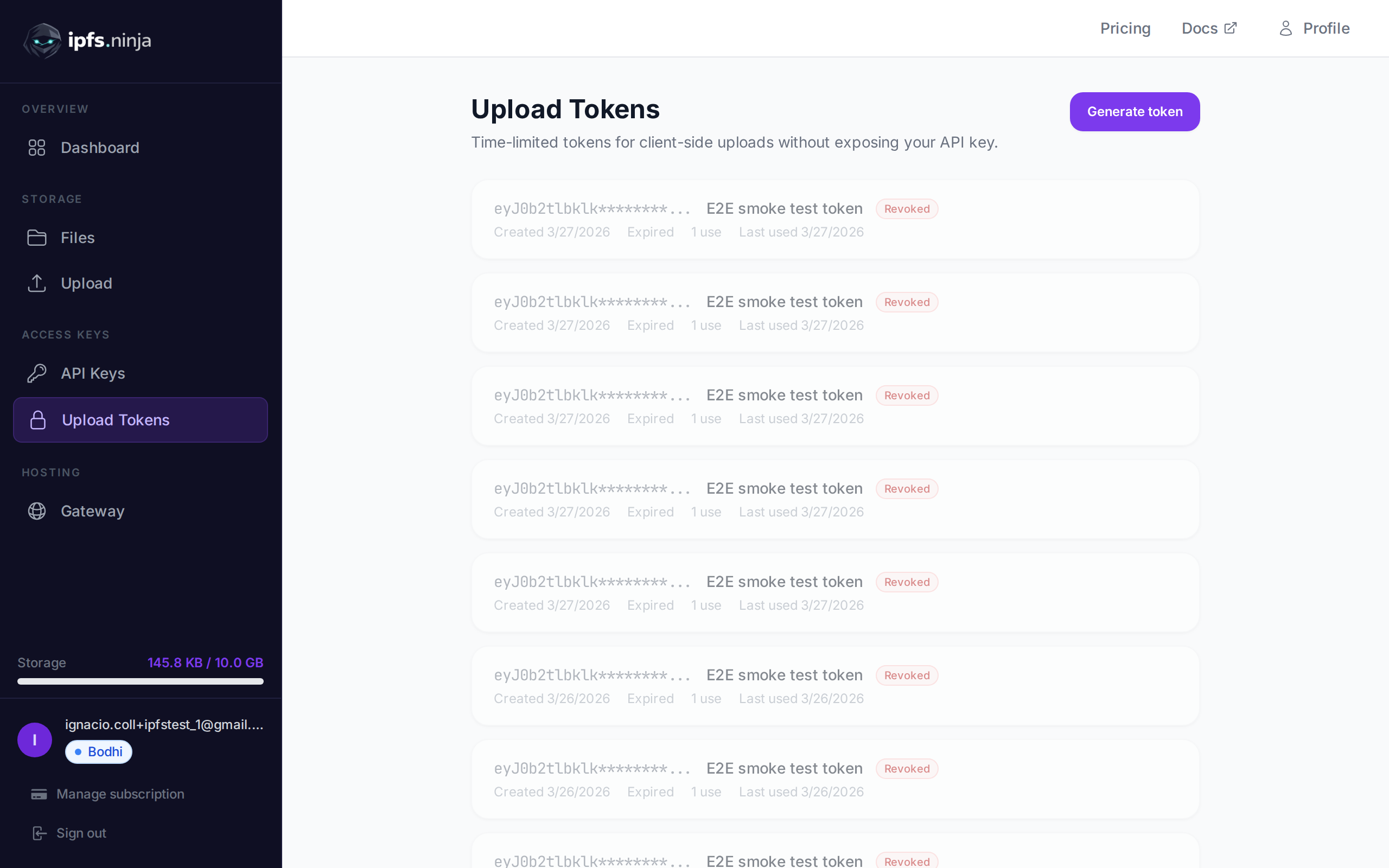
POST /upload/signed-url
新しい署名付きアップロードトークンを作成します。
| パラメータ | 型 | 必須 | 説明 |
|---|---|---|---|
name | string | いいえ | トークンのラベル(例:"Mobile app uploads")。 |
expiresIn | number | はい | トークンの有効期間(秒)。 |
curl -X POST https://api.ipfs.ninja/upload/signed-url \
  -H "X-Api-Key: bws_your_api_key_here" \
  -H "Content-Type: application/json" \
-d '{"name": "Mobile app", "expiresIn": 3600}'201 Created {
"token": "sup_a1b2c3d4e5f6789012345678abcdef01...",
"tokenId": "tok_9876543210abcdef",
"tokenPrefix": "sup_a1b2c3d4",
"tokenName": "Mobile app",
"expiresAt": 1711040400000
}WARNING
完全なトークンは作成時に一度だけ返されます。安全に保管するか、クライアントに直接渡してください。
GET /signed-tokens
アカウントのすべての署名付きトークンを使用統計とともに返します。
curl https://api.ipfs.ninja/signed-tokens \
-H "X-Api-Key: bws_your_api_key_here"200 OK [
{
"tokenId": "tok_9876543210abcdef",
"tokenPrefix": "sup_a1b2c3d4",
"tokenName": "Mobile app",
"expiresAt": 1711040400000,
"useCount": 15,
"lastUsedAt": 1711038600000,
"createdAt": 1711036800000
}
]DELETE /signed-tokens/:tokenId
署名付きトークンを即座に取り消します。以後、このトークンを使用したアップロードの試みはすべて拒否されます。
| パラメータ | 型 | 必須 | 説明 |
|---|---|---|---|
tokenId | string | はい | 取り消すトークン ID(例:"tok_9876543210abcdef")。 |
curl -X DELETE https://api.ipfs.ninja/signed-tokens/tok_9876543210abcdef \
-H "X-Api-Key: bws_your_api_key_here"200 OK {
"message": "Token revoked"
}署名付きトークンでアップロードするには、Authorization ヘッダーに Signed スキームで渡します:
curl -X POST https://api.ipfs.ninja/upload/new \
  -H "Authorization: Signed sup_a1b2c3d4e5f6789012345678abcdef01..." \
  -H "Content-Type: application/json" \
-d '{"content": {"name": "example"}, "description": "Client upload"}'リクエストボディとレスポンス形式は標準のファイルアップロードと同じです。
署名付きトークンが使用されるたびに、useCount がインクリメントされ、lastUsedAt が更新されます。GET /signed-tokens でトークンのアクティビティを監視できます。
署名付きトークンのプレフィックスは分析の API_KEY_PREFIX フィールドに記録されます。つまり、API キープレフィックスでフィルタリングするのと同じように、署名付きトークンプレフィックスで分析データをフィルタリングできます。詳細はアナリティクスを参照してください。
サーバーでトークンを生成し、クライアントサイドの JavaScript で使用します:
// Server-side: generate a token valid for 1 hour
const res = await fetch("https://api.ipfs.ninja/upload/signed-url", {
  method: "POST",
  headers: {
    "X-Api-Key": "bws_your_server_key",
    "Content-Type": "application/json"
  },
  body: JSON.stringify({ name: "Web form", expiresIn: 3600 })
});
const { token } = await res.json();
// Pass `token` to the client

// Client-side: upload a file using the signed token
const file = document.getElementById("fileInput").files[0];
const reader = new FileReader();
reader.onload = async () => {
  const base64 = reader.result.split(",")[1];
  const uploadRes = await fetch("https://api.ipfs.ninja/upload/new", {
    method: "POST",
    headers: {
      "Authorization": `Signed ${token}`,
      "Content-Type": "application/json"
    },
    body: JSON.stringify({
      content: base64,
      description: "User upload"
    })
  });
  const data = await uploadRes.json();
  console.log("Uploaded:", data.cid);
};
reader.readAsDataURL(file);