한국어
한국어
Appearance

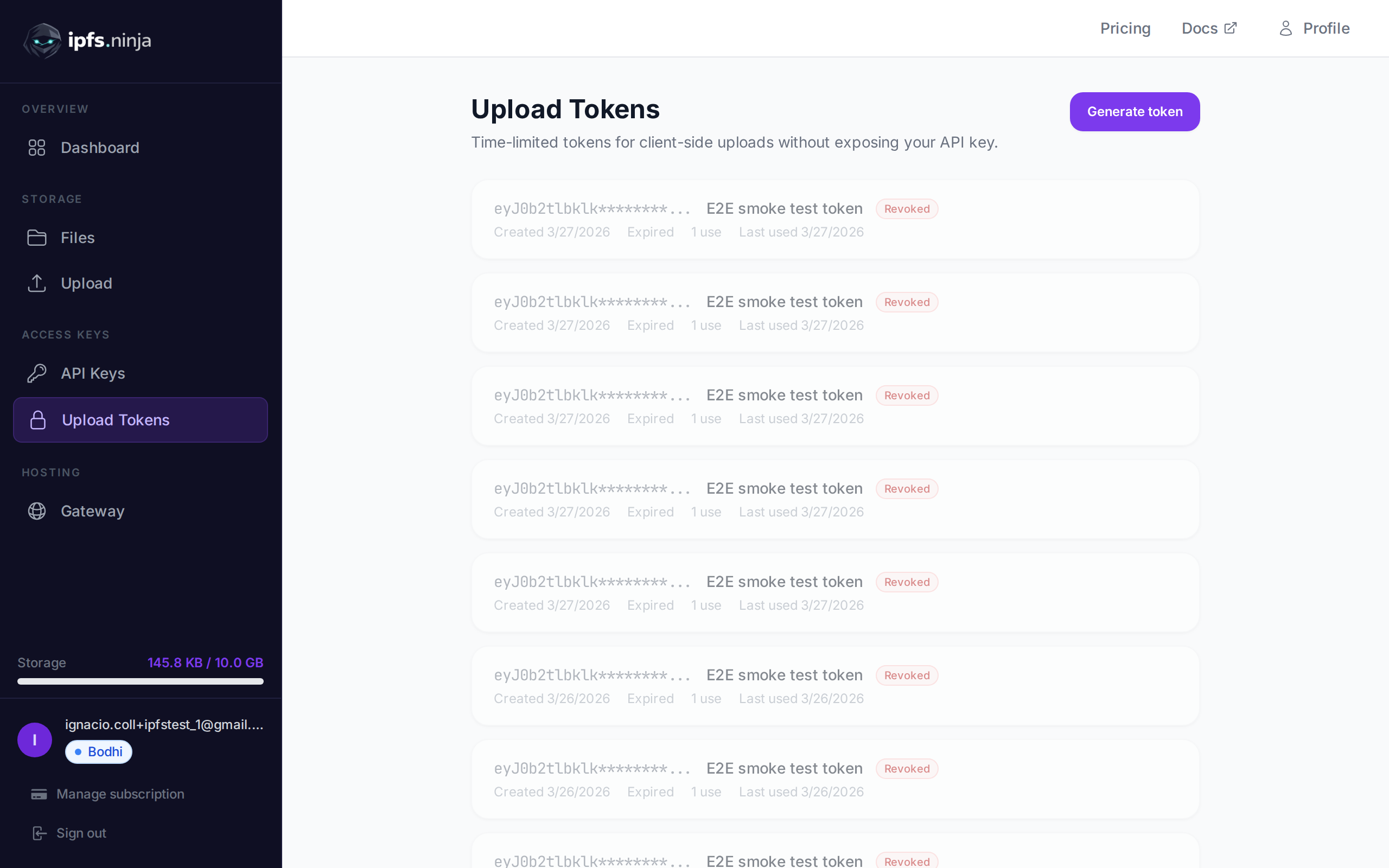
서명된 업로드 토큰은 클라이언트 측 업로드를 위해 설계된 시간 제한 자격 증명입니다. 브라우저와 모바일 앱이 API 키를 노출하지 않고 IPFS Ninja에 직접 파일을 업로드할 수 있게 합니다.
일반적인 흐름: 서버가 API 키를 사용해 서명된 토큰을 생성하고, 클라이언트에 전달하면, 클라이언트가 이를 사용해 파일을 업로드합니다. 토큰은 지정된 기간 후 자동으로 만료됩니다.
POST /upload/signed-url
새로운 서명된 업로드 토큰을 생성합니다.
| 매개변수 | 유형 | 필수 | 설명 |
|---|---|---|---|
name | string | 아니요 | 토큰 라벨 (예: "Mobile app uploads"). |
expiresIn | number | 예 | 토큰 유효 기간 (초). |
curl -X POST https://api.ipfs.ninja/upload/signed-url \
  -H "X-Api-Key: bws_your_api_key_here" \
  -H "Content-Type: application/json" \
-d '{"name": "Mobile app", "expiresIn": 3600}'201 Created {
"token": "sup_a1b2c3d4e5f6789012345678abcdef01...",
"tokenId": "tok_9876543210abcdef",
"tokenPrefix": "sup_a1b2c3d4",
"tokenName": "Mobile app",
"expiresAt": 1711040400000
}WARNING
전체 토큰은 생성 시 한 번만 반환됩니다. 안전하게 보관하거나 클라이언트에 직접 전달하세요.
GET /signed-tokens
계정의 모든 서명된 토큰을 사용 통계와 함께 반환합니다.
curl https://api.ipfs.ninja/signed-tokens \
-H "X-Api-Key: bws_your_api_key_here"200 OK [
{
"tokenId": "tok_9876543210abcdef",
"tokenPrefix": "sup_a1b2c3d4",
"tokenName": "Mobile app",
"expiresAt": 1711040400000,
"useCount": 15,
"lastUsedAt": 1711038600000,
"createdAt": 1711036800000
}
]DELETE /signed-tokens/:tokenId
서명된 토큰을 즉시 폐기합니다. 이후 이 토큰을 사용한 업로드 시도는 모두 거부됩니다.
| 매개변수 | 유형 | 필수 | 설명 |
|---|---|---|---|
tokenId | string | 예 | 폐기할 토큰 ID (예: "tok_9876543210abcdef"). |
curl -X DELETE https://api.ipfs.ninja/signed-tokens/tok_9876543210abcdef \
-H "X-Api-Key: bws_your_api_key_here"200 OK {
"message": "Token revoked"
}서명된 토큰으로 업로드하려면, Authorization 헤더에 Signed 스킴으로 전달하세요:
curl -X POST https://api.ipfs.ninja/upload/new \
  -H "Authorization: Signed sup_a1b2c3d4e5f6789012345678abcdef01..." \
  -H "Content-Type: application/json" \
  -d '{"content": {"name": "example"}, "description": "Client upload"}'
요청 본문과 응답 형식은 표준 파일 업로드와 동일합니다.
서명된 토큰이 사용될 때마다 useCount가 증가하고 lastUsedAt이 업데이트됩니다. GET /signed-tokens로 토큰 활동을 모니터링할 수 있습니다.
서명된 토큰의 접두사는 분석의 API_KEY_PREFIX 필드에 기록됩니다. 즉, API 키 접두사로 필터링하는 것과 같은 방식으로 서명된 토큰 접두사로 분석 데이터를 필터링할 수 있습니다. 자세한 내용은 분석을 참조하세요.
서버에서 토큰을 생성하고 클라이언트 측 JavaScript에서 사용합니다:
// Server-side: generate a token valid for 1 hour
const res = await fetch("https://api.ipfs.ninja/upload/signed-url", {
  method: "POST",
  headers: {
    "X-Api-Key": "bws_your_server_key",
    "Content-Type": "application/json"
  },
  body: JSON.stringify({ name: "Web form", expiresIn: 3600 })
});
const { token } = await res.json();
// Pass `token` to the client

// Client-side: upload a file using the signed token
const file = document.getElementById("fileInput").files[0];
const reader = new FileReader();
reader.onload = async () => {
  const base64 = reader.result.split(",")[1];
  const uploadRes = await fetch("https://api.ipfs.ninja/upload/new", {
    method: "POST",
    headers: {
      "Authorization": `Signed ${token}`,
      "Content-Type": "application/json"
    },
    body: JSON.stringify({
      content: base64,
      description: "User upload"
    })
  });
  const data = await uploadRes.json();
  console.log("Uploaded:", data.cid);
};
reader.readAsDataURL(file);