Polski
Polski
Appearance

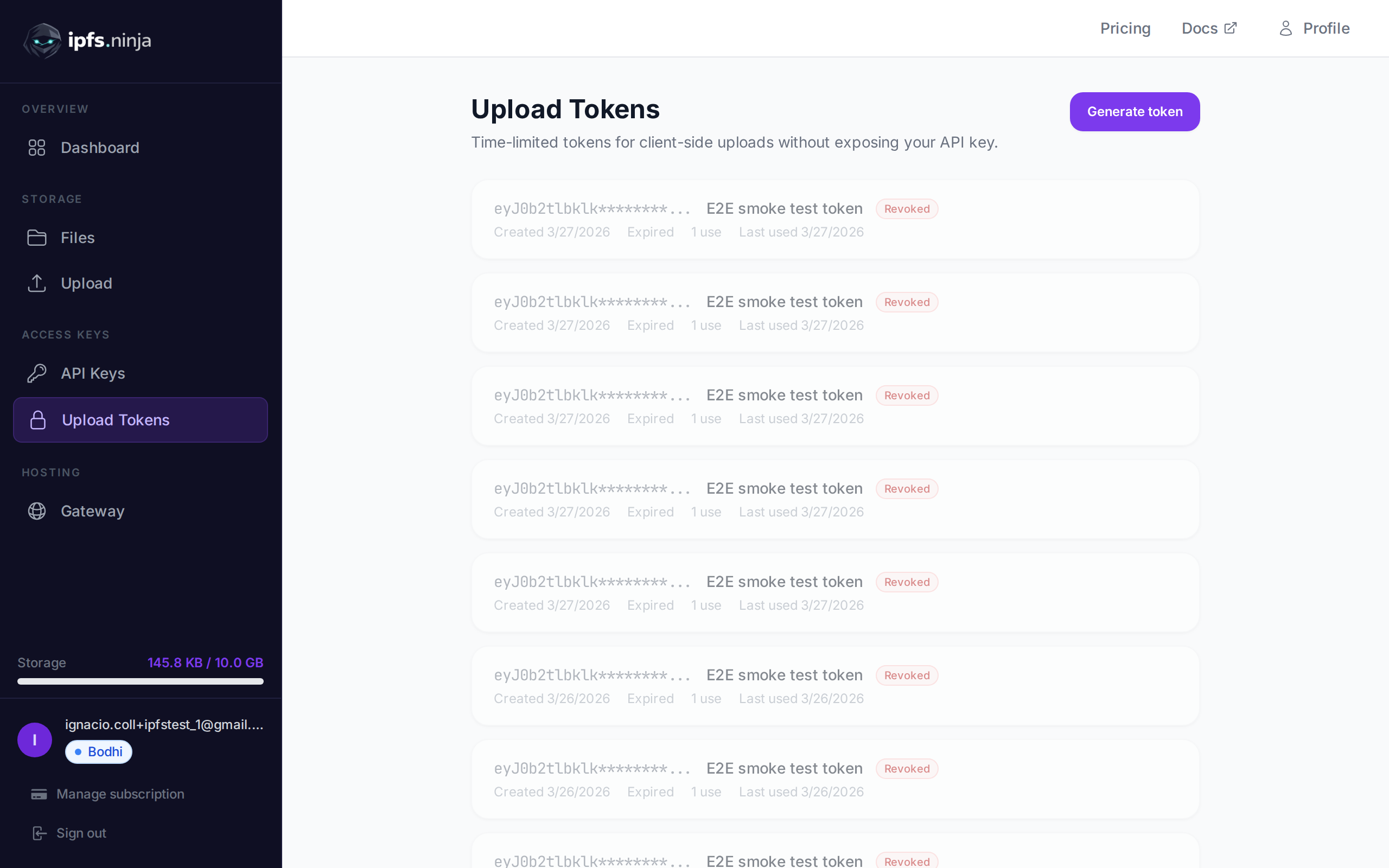
Signed upload tokens are time-limited credentials designed for client-side uploads. They allow browsers and mobile apps to upload files directly to IPFS Ninja without exposing your API key.
A typical flow: your server generates a signed token using your API key, passes it to the client, and the client uses it to upload files. The token expires automatically after the specified duration.
POST /upload/signed-url
Create a new signed upload token.
| Parameter | Type | Required | Description |
|---|---|---|---|
name | string | No | Label for the token (e.g. "Mobile app uploads"). |
expiresIn | number | Yes | Token lifetime in seconds. |
curl -X POST https://api.ipfs.ninja/upload/signed-url \
  -H "X-Api-Key: bws_your_api_key_here" \
  -H "Content-Type: application/json" \
-d '{"name": "Mobile app", "expiresIn": 3600}'201 Created {
"token": "sup_a1b2c3d4e5f6789012345678abcdef01...",
"tokenId": "tok_9876543210abcdef",
"tokenPrefix": "sup_a1b2c3d4",
"tokenName": "Mobile app",
"expiresAt": 1711040400000
}WARNING
The full token is only returned once at creation. Store it securely or pass it directly to your client.
GET /signed-tokens
Returns all signed tokens for your account, including usage statistics.
curl https://api.ipfs.ninja/signed-tokens \
-H "X-Api-Key: bws_your_api_key_here"200 OK [
{
"tokenId": "tok_9876543210abcdef",
"tokenPrefix": "sup_a1b2c3d4",
"tokenName": "Mobile app",
"expiresAt": 1711040400000,
"useCount": 15,
"lastUsedAt": 1711038600000,
"createdAt": 1711036800000
}
]DELETE /signed-tokens/:tokenId
Immediately revoke a signed token. Any subsequent upload attempts using this token will be rejected.
| Parameter | Type | Required | Description |
|---|---|---|---|
tokenId | string | Yes | The token ID to revoke (e.g. "tok_9876543210abcdef"). |
curl -X DELETE https://api.ipfs.ninja/signed-tokens/tok_9876543210abcdef \
-H "X-Api-Key: bws_your_api_key_here"200 OK {
"message": "Token revoked"
}To upload with a signed token, pass it via the Authorization header with the Signed scheme:
curl -X POST https://api.ipfs.ninja/upload/new \
  -H "Authorization: Signed sup_a1b2c3d4e5f6789012345678abcdef01..." \
  -H "Content-Type: application/json" \
  -d '{"content": {"name": "example"}, "description": "Client upload"}'
The request body and response format are identical to a standard file upload.
Each time a signed token is used, the useCount is incremented and lastUsedAt is updated. You can monitor token activity via GET /signed-tokens.
Signed tokens are recorded with their prefix in the analytics API_KEY_PREFIX field. This means you can filter analytics by signed token prefix the same way you filter by API key prefix. See Analytics for details.
Generate a token on your server and use it in client-side JavaScript:
// Server-side: generate a token valid for 1 hour
const res = await fetch("https://api.ipfs.ninja/upload/signed-url", {
  method: "POST",
  headers: {
    "X-Api-Key": "bws_your_server_key",
    "Content-Type": "application/json"
  },
  body: JSON.stringify({ name: "Web form", expiresIn: 3600 })
});
const { token } = await res.json();
// Pass `token` to the client

// Client-side: upload a file using the signed token
const file = document.getElementById("fileInput").files[0];
const reader = new FileReader();
reader.onload = async () => {
  const base64 = reader.result.split(",")[1];
  const uploadRes = await fetch("https://api.ipfs.ninja/upload/new", {
    method: "POST",
    headers: {
      "Authorization": `Signed ${token}`,
      "Content-Type": "application/json"
    },
    body: JSON.stringify({
      content: base64,
      description: "User upload"
    })
  });
  const data = await uploadRes.json();
  console.log("Uploaded:", data.cid);
};
reader.readAsDataURL(file);