繁體中文
繁體中文
Appearance

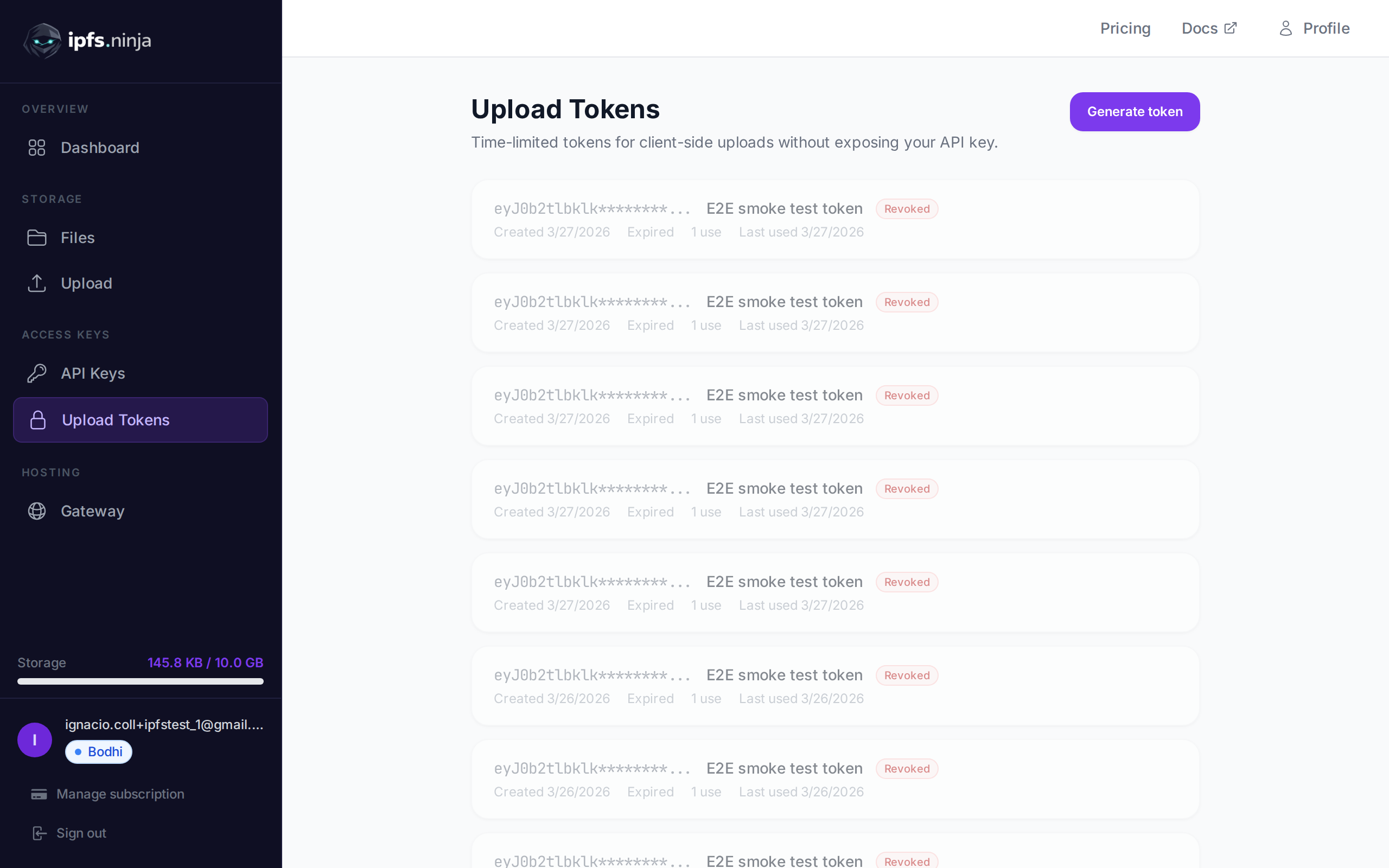
簽章上傳權杖是為用戶端上傳設計的限時憑證。它們允許瀏覽器和行動應用程式直接上傳檔案到 IPFS Ninja,而無需暴露您的 API 金鑰。
典型流程:您的伺服器使用 API 金鑰產生簽章權杖,將其傳遞給用戶端,用戶端使用它上傳檔案。權杖在指定時間後自動過期。
POST /upload/signed-url
建立新的簽章上傳權杖。
| 參數 | 類型 | 必填 | 描述 |
|---|---|---|---|
name | string | 否 | 權杖標籤(如 "Mobile app uploads")。 |
expiresIn | number | 是 | 權杖有效期(秒)。 |
curl -X POST https://api.ipfs.ninja/upload/signed-url \
  -H "X-Api-Key: bws_your_api_key_here" \
  -H "Content-Type: application/json" \
-d '{"name": "Mobile app", "expiresIn": 3600}'201 Created {
"token": "sup_a1b2c3d4e5f6789012345678abcdef01...",
"tokenId": "tok_9876543210abcdef",
"tokenPrefix": "sup_a1b2c3d4",
"tokenName": "Mobile app",
"expiresAt": 1711040400000
}WARNING
完整權杖僅在建立時傳回一次。請妥善保管或直接傳遞給用戶端。
GET /signed-tokens
傳回帳戶的所有簽章權杖,包括使用統計資訊。
curl https://api.ipfs.ninja/signed-tokens \
-H "X-Api-Key: bws_your_api_key_here"200 OK [
{
"tokenId": "tok_9876543210abcdef",
"tokenPrefix": "sup_a1b2c3d4",
"tokenName": "Mobile app",
"expiresAt": 1711040400000,
"useCount": 15,
"lastUsedAt": 1711038600000,
"createdAt": 1711036800000
}
]DELETE /signed-tokens/:tokenId
立即撤銷簽章權杖。此後使用該權杖的任何上傳嘗試都將被拒絕。
| 參數 | 類型 | 必填 | 描述 |
|---|---|---|---|
tokenId | string | 是 | 要撤銷的權杖 ID(如 "tok_9876543210abcdef")。 |
curl -X DELETE https://api.ipfs.ninja/signed-tokens/tok_9876543210abcdef \
-H "X-Api-Key: bws_your_api_key_here"200 OK {
"message": "Token revoked"
}要使用簽章權杖上傳,透過 Authorization 標頭以 Signed 方案傳遞:
curl -X POST https://api.ipfs.ninja/upload/new \
  -H "Authorization: Signed sup_a1b2c3d4e5f6789012345678abcdef01..." \
  -H "Content-Type: application/json" \
-d '{"content": {"name": "example"}, "description": "Client upload"}'請求正文和回應格式與標準檔案上傳相同。
每次使用簽章權杖時,useCount 遞增,lastUsedAt 更新。您可以透過 GET /signed-tokens 監控權杖活動。
簽章權杖的前綴記錄在分析的 API_KEY_PREFIX 欄位中。這表示您可以像按 API 金鑰前綴篩選一樣按簽章權杖前綴篩選分析資料。詳情請參閱分析。
在伺服器上產生權杖並在用戶端 JavaScript 中使用:
// Server-side: generate a token valid for 1 hour
const res = await fetch("https://api.ipfs.ninja/upload/signed-url", {
  method: "POST",
  headers: {
    "X-Api-Key": "bws_your_server_key",
    "Content-Type": "application/json"
  },
  body: JSON.stringify({ name: "Web form", expiresIn: 3600 })
});
const { token } = await res.json();
// Pass `token` to the client

// Client-side: upload a file using the signed token
const file = document.getElementById("fileInput").files[0];
const reader = new FileReader();
reader.onload = async () => {
  const base64 = reader.result.split(",")[1];
  const uploadRes = await fetch("https://api.ipfs.ninja/upload/new", {
    method: "POST",
    headers: {
      "Authorization": `Signed ${token}`,
      "Content-Type": "application/json"
    },
    body: JSON.stringify({
      content: base64,
      description: "User upload"
    })
  });
  const data = await uploadRes.json();
  console.log("Uploaded:", data.cid);
};
reader.readAsDataURL(file);