Filebase Alternative: Simpler IPFS Pinning Without S3 Complexity
Compare IPFS Ninja and Filebase. If you want simple REST API pinning without S3 protocol overhead, here is why developers switch.
 by Nacho Coll
Nacho founded IPFS.NINJA to make content-addressed storage feel as simple as an S3 PUT — a single API call, a permanent CID, no wallets or peer discovery to reason about.

- Upload a file to IPFS in one curl command — no S3 bucket, access key, or XML request needed.
- Filebase's S3-compatible API fits teams already using AWS tooling; IPFS Ninja favors REST simplicity.
- IPFS Ninja adds signed upload tokens and image optimization that Filebase's S3 flow doesn't offer.
- Filebase offers a 5 GB permanent free tier. IPFS Ninja offers a 7-day trial with 10 GB / 200 files / 20 GB bandwidth / 1 dedicated gateway (trial file cap — Bodhi lifts to unlimited) — no card — then $5/mo Bodhi, $19/mo Karma, or $59/mo Nirvana.
Filebase is a working, well-regarded IPFS pinning provider with an S3-compatible API — a strong fit for AWS-native teams. This guide is for the other half of the market: developers who want a simple REST + bearer-token API, an IPFS-first architecture, a $5/mo entry price, and built-in signed upload tokens for client-side uploads without pre-sign plumbing.
Last verified: 2026-08-27
Filebase is operational and still shipping in 2026. For a full snapshot of every major IPFS provider — who’s up, who’s shut down, who’s mid-restructure — see our IPFS provider status roundup. This article zooms in on one specific decision: when the S3 layer starts feeling heavier than the actual pinning problem you’re solving.

Quick Comparison: Filebase vs IPFS Ninja#
The 2026 Filebase vs IPFS.NINJA decision reduces to four axes: API style (S3-compatible XML/multipart vs plain REST/JSON), auth model (AWS access-key + HMAC-SHA256 signing vs X-Api-Key header or signed tokens), paid entry price ($19.99/mo Performance vs $5/mo Bodhi), and client-side upload story (pre-signed URL plumbing vs first-class signed upload tokens).
| Feature | Filebase | IPFS Ninja |
|---|---|---|
| API style | S3-compatible (XML/multipart) | Simple REST/JSON |
| Try before you pay | Permanent free tier: 5 GB storage | 7-day trial (10 GB / 200 files / 20 GB bw / 1 dedicated gateway) · no card |
| Paid entry | $19.99/mo (Performance) | $5/mo (Bodhi) |
| Dedicated gateways | Yes | Yes (up to 10 on Nirvana) |
| Image optimization | No | Yes (/image/{cid}) |
| Auth for uploads | AWS-style signing | X-Api-Key or signed tokens |
| Pinning existing CIDs | Via S3 PUT to bucket | POST /pin |
| Client-side uploads | Needs pre-signed URL plumbing | Signed upload tokens, built-in |
The bottom line: if you’re already wiring up AWS SDK clients anyway, Filebase slots in naturally. If you want to ship a file to IPFS in one curl command, IPFS Ninja wins on simplicity.
Upload a File to IPFS in 30 Seconds#
Uploading a file to IPFS through IPFS.NINJA takes one curl request: POST https://api.ipfs.ninja/upload/new with an X-Api-Key header and a JSON body returns the CID immediately in the response. No bucket to create, no SDK to install, no XML response to parse — the API is designed for REST-native workflows rather than S3-flavored ones.
This is the IPFS Ninja upload path. No SDK, no XML, no bucket creation step:
curl -X POST https://api.ipfs.ninja/upload/new \
  -H "X-Api-Key: bws_a1b2c3d4e5f6a1b2c3d4e5f6a1b2c3d4" \
  -H "Content-Type: application/json" \
  -d '{
    "content": "Hello from IPFS Ninja!",
    "description": "My first file"
  }'
Response:
{
  "cid": "bafkreib4mrow...",
  "sizeMB": 0.00002,
  "uris": {
    "ipfs": "ipfs://bafkreib4mrow...",
    "url": "https://ipfs.ninja/ipfs/bafkreib4mrow..."
  }
}
Done. That CID is pinned, accessible over IPFS, and reachable via the public gateway immediately.
Now here is the equivalent Filebase flow:
- Create an account and a bucket in the Filebase console.
- Generate an access key + secret key pair.
- Configure an S3 client with endpoint
https://s3.filebase.com, regionus-east-1, and your credentials. - Call
putObjectwith your file body. - Poll the object’s metadata to retrieve the IPFS CID (it appears as an
x-amz-meta-cidheader after Filebase pins it).
That’s not wrong — it’s just more moving parts than most REST-native projects need.
Why Developers Hit S3 Friction on Filebase#
S3-compatible IPFS APIs like Filebase’s shine when your codebase already speaks S3 — AWS SDK v3, Terraform modules, Boto3 backup scripts. The friction shows up in green-field projects: HMAC-SHA256 request signing in the browser, XML error parsing on failed uploads, CID retrieval as an x-amz-meta-cid response header, and no built-in signed upload tokens for direct client-to-IPFS uploads.
Filebase’s S3 compatibility is genuinely useful when:
- You have existing infrastructure that talks S3 (Lambda functions, Terraform modules, backup agents).
- You store large blobs and want multipart upload semantics you already know.
- Your team is AWS-fluent and the S3 SDK is already a dependency.
But many developers building IPFS into a web app, a dApp, or a CI pipeline aren’t coming from that world. They run into:
XML error responses. S3 returns XML. Your JavaScript fetch call gets back <?xml version="1.0" ...><Error><Code>InvalidAccessKeyId</Code> and you have to add an XML parser to debug it.
Credential management. S3-style auth (access key + secret + HMAC-SHA256 request signing) is not trivial to implement from scratch in a browser or edge function. Pre-signed URLs help, but generating them server-side adds a round trip.
CID retrieval as an afterthought. The CID is metadata on the S3 object, not the primary response. You either parse response headers or call a separate metadata endpoint.
No native signed upload tokens. If you want users to upload directly from a browser without exposing server credentials, Filebase requires you to build a pre-signed URL generation endpoint yourself.
IPFS Ninja’s signed upload tokens handle this pattern natively: generate a time-limited token server-side once, embed it in your frontend, and let users POST directly to api.ipfs.ninja until the token expires or you revoke it.
Pricing Side by Side#
| Plan | Filebase | IPFS Ninja |
|---|---|---|
| Free | 5 GB, public gateway only | 500 files, 1 GB, 1 dedicated gateway |
| Entry paid | ~$19.99/mo (Performance) | $5/mo (Bodhi: 50K files, 10 GB) |
| Mid-tier | — | $29/mo (Nirvana: 500K files, 100 GB) |
| Dedicated gateways | Yes | Yes (Bodhi: 5, Nirvana: 10) |
For small-to-medium projects, the jump from free to the first paid tier is $5/mo on IPFS Ninja vs roughly $20/mo on Filebase. If you’re building a side project or a startup MVP, that difference matters.
Gateway Features Compared#
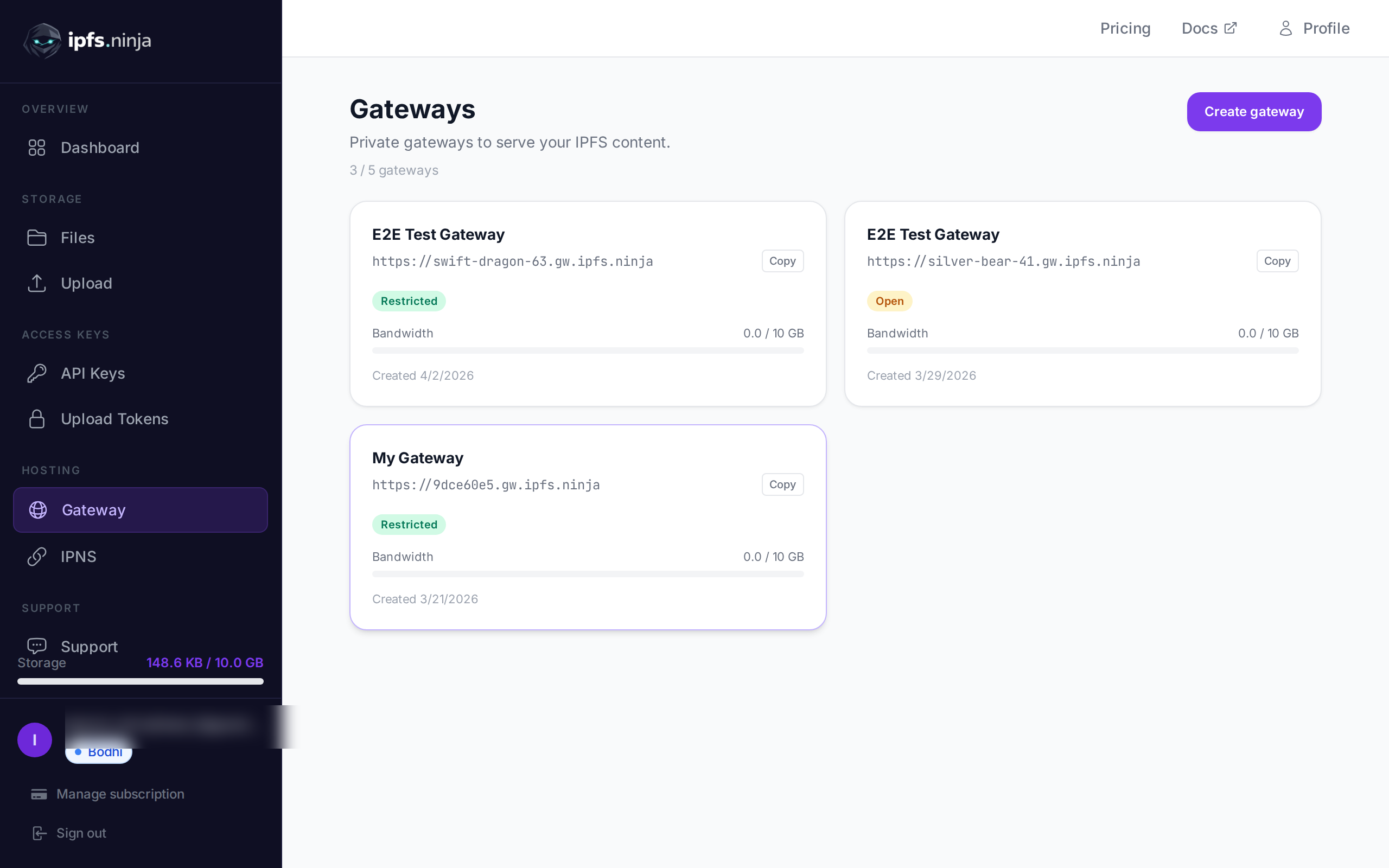
Both services offer dedicated IPFS gateways (subdomains that serve your pinned content over HTTPS). Where they differ:
Filebase gives you a dedicated gateway on paid plans. It serves your bucket’s content and integrates with their S3 namespace.
IPFS Ninja gateways at https://{slug}.gw.ipfs.ninja support:
- Access modes: restricted (token required), open (public), or folder (directory listing).
- IP whitelisting: lock a gateway to known server IPs.
- Origin restrictions: restrict to specific HTTP origins, useful for browser-only CORS scenarios.
- Image optimization: the
/image/{cid}endpoint lets you resize, crop, and convert format on the fly — no separate image CDN needed.
If your use case is serving assets to a web frontend, the CORS origin restriction and built-in image optimization endpoints save you a separate service integration.
Pinning an Existing CID#
Already have a CID from another node or service? Both platforms let you pin it without re-uploading. On IPFS Ninja:
curl -X POST https://api.ipfs.ninja/pin \
  -H "X-Api-Key: bws_a1b2c3d4e5f6a1b2c3d4e5f6a1b2c3d4" \
  -H "Content-Type: application/json" \
  -d '{
    "cid": "bafkreib4mrow...",
    "description": "Pinned from external source"
  }'
On Filebase, you pin via a PUT to your bucket with the CID as a custom metadata header, then Filebase fetches and pins it. The CID-first workflow on IPFS Ninja is more direct if you’re coming from an IPFS-native mindset rather than an S3-native one.
See what is IPFS pinning for a deeper explanation of why pinning matters and what happens when content isn’t pinned.
Client-Side Uploads Without Leaking Credentials#
This is a common architecture question: how do you let a browser upload to IPFS without shipping your API key to the client?
Filebase approach: generate a pre-signed S3 PUT URL on your server, return it to the client, client PUTs directly. Standard S3 pre-sign pattern, works fine, but you need to implement the server-side signing endpoint.
IPFS Ninja approach: call /token/upload/new (or generate via dashboard) to create a signed upload token. Embed that token in your frontend. The client posts to api.ipfs.ninja using Authorization: Signed {token}. The token can be scoped to expire after a set time or revoked instantly from the dashboard.
// Frontend code — token was fetched from your server
const token = 'your-signed-upload-token';
const response = await fetch('https://api.ipfs.ninja/upload/new', {
  method: 'POST',
  headers: {
    'Authorization': `Signed ${token}`,
    'Content-Type': 'application/json',
  },
  body: JSON.stringify({
    content: btoa(fileContentAsArrayBuffer), // base64 for binary
    description: 'User uploaded file',
  }),
});
const { cid, uris } = await response.json();
console.log('Pinned at:', uris.url);
For a deeper walkthrough of upload patterns, see how to upload files to IPFS.
When to Still Choose Filebase#
This article is meant to be honest, not a one-sided pitch.
Choose Filebase if:
- Your codebase already uses AWS SDK v3 or Boto3 and you want zero additional dependencies.
- You’re migrating from S3 to IPFS and want to swap endpoints rather than rewrite upload logic.
- You’re storing very large files and need reliable multipart upload with S3 semantics (though IPFS Ninja also has a large upload API).
- Your team has deep AWS expertise and finds S3 auth more familiar than REST headers.
Choose IPFS Ninja if:
- You want a single
POST /upload/newto get a CID back with no intermediate steps. - You’re building a frontend-first app and need client-safe upload tokens without building pre-sign infrastructure.
- You want image optimization and access-controlled gateways without adding another service.
- You’re price-sensitive and the $5/mo entry point matters for your project stage.
A note on backing networks. Filebase pins to IPFS and also uses Sia and Storj as underlying storage networks. Storj Labs filed for Chapter 11 on 2026-07-26; the network is still operational and Filebase itself continues to ship, but the ownership question is worth weighing if long-horizon dependency risk factors into your stack choice. Our IPFS provider status roundup tracks the current state of every major provider.
Summary#
Filebase is a solid product for teams already living in the AWS ecosystem. Its S3 compatibility is a real advantage when that’s your context. But for developers who just want to pin files to IPFS through a clean REST API — and get a CID back immediately — the S3 layer adds ceremony without benefit.
IPFS Ninja keeps the API surface minimal: upload, pin, fetch. The gateway, image optimization, and upload token features are available when you need them, not required upfront.
For a broader look at how IPFS Ninja compares to other services, see best IPFS pinning services.
Ready to start pinning? Start your 7-day trial — 10 GB / 200 files / 20 GB bandwidth / 1 dedicated gateway (trial file cap — Bodhi lifts to unlimited). No credit card required. Then Bodhi $5/mo, Karma $19/mo, or Nirvana $59/mo.
About the author
Nacho Coll
Founder & Engineer at IPFS.NINJA
Nacho founded IPFS.NINJA to make content-addressed storage feel as simple as an S3 PUT — a single API call, a permanent CID, no wallets or peer discovery to reason about. Writes about IPFS internals, decentralized storage patterns, and the pinning-service landscape from the operator side of the wire.