

What is IPFS Pinning? Beginner Guide + Your First Pin (2026)
IPFS pinning keeps your CID online 24/7 — otherwise garbage collection deletes it. Learn how remote pinning works and pin your first file in 60 seconds.
 by Nacho Coll
Nacho founded IPFS.NINJA to make content-addressed storage feel as simple as an S3 PUT — a single API call, a permanent CID, no wallets or peer discovery to reason about.
- Pin a CID to stop IPFS garbage collection from ever deleting it, no matter how rarely it's accessed.
- Local pinning keeps files available only while your own node stays online around the clock.
- Remote pinning services replicate your content across multiple nodes so it survives your machine going offline.
- A CID identifies content by its hash, not a location — the same bytes always produce the same address.
IPFS pinning is the operation that tells an IPFS node to keep a file permanently instead of allowing garbage collection to delete it. Without a pin, IPFS treats your content as cache --- one cycle away from vanishing, even though the CID remains a valid address. Pinning is IPFS’s official persistence mechanism and the only guarantee your files survive.
Last verified: 2026-08-27
This guide explains what IPFS pinning is, why it matters, how it works under the hood, and how to pin your first file today. If you skip pinning, your files are subject to IPFS garbage collection.
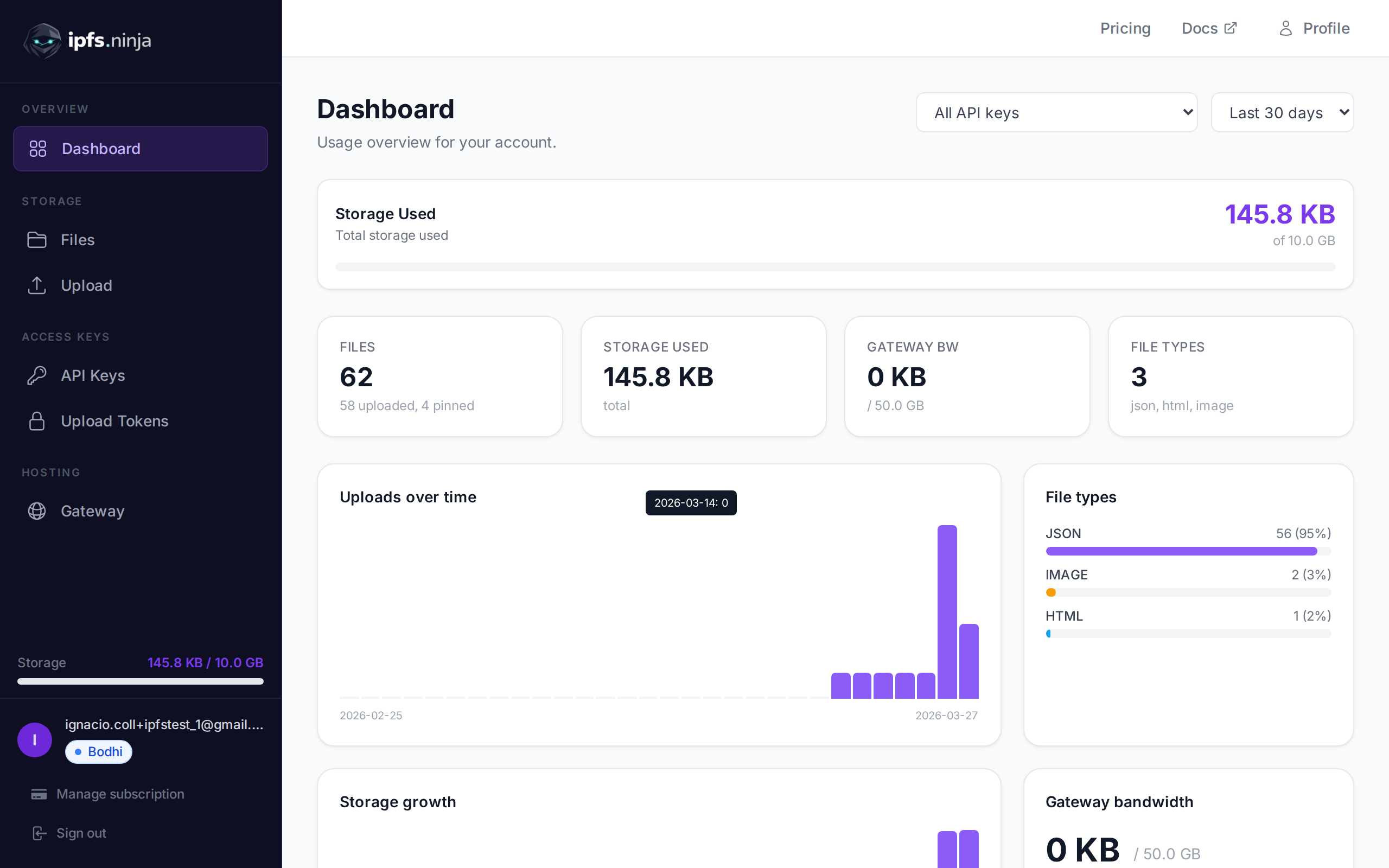
Pin Your First File in 60 Seconds#
To pin your first file, you upload it to any IPFS pinning service and receive a Content Identifier (CID) --- a cryptographic hash of the file’s bytes --- that any IPFS gateway can resolve. The pinning node keeps every block behind that CID out of garbage collection until you explicitly remove the pin.
This model has powerful properties:
- Deduplication --- identical files share the same CID, so the network never stores two copies of the same content.
- Integrity --- the hash guarantees the file has not been tampered with.
- Decentralization --- no single server controls access.
But IPFS nodes have finite disk space, and they need a way to decide which data to keep and which to discard. That mechanism is called garbage collection, and it is the reason your files can vanish.
The Garbage Collection Problem#
IPFS garbage collection is the process by which a node deletes cached blocks it does not consider important. When you fetch content through a public gateway, the gateway’s node treats the blocks as temporary cache --- one cleanup cycle later, those blocks are gone. Per the official IPFS persistence documentation, only pinned content survives long-term.
Here is the critical point: adding a file to IPFS does not guarantee it will stay there. If the only node that held your file goes offline, or if that node garbage-collects the blocks, the content becomes unretrievable. The CID still exists as an address, but nobody is home.
This is by design. IPFS is a content-addressing protocol, not a permanent storage guarantee. Permanence requires an explicit decision to retain data. That decision is called pinning.
What is Pinning?#
Pinning is the flag that tells an IPFS node to retain a specific CID indefinitely. Once pinned, every block in that content --- the root, its Merkle DAG children, the raw bytes --- is protected from garbage collection until the pin is explicitly removed. It is IPFS’s only built-in persistence primitive.
When you pin a CID, the node marks every block associated with that content as protected. Garbage collection skips those blocks entirely.
There are two flavors of pinning:
Local Pinning#
You run your own IPFS node (using Kubo, for example) and pin files directly:
ipfs pin add QmYwAPJzv5CZsnA625s3Xf2nemtYgPpHdWEz79ojWnPbdGThe content stays on your machine as long as your node is running and the pin remains in place.
Remote Pinning#
You send a pin request to a third-party service that operates IPFS infrastructure on your behalf. The service’s nodes pin the content and keep it available 24/7, even when your own machine is off.
Why Remote Pinning Services Exist#
Local pinning works, but it comes with operational overhead that most developers and teams do not want to manage:
- Uptime --- Your laptop is not online 24 hours a day. If your node goes offline, nobody can retrieve your pinned files from you. Other nodes that cached the content may eventually garbage-collect it.
- Bandwidth --- Serving popular files from a residential connection quickly becomes a bottleneck.
- Maintenance --- Running an IPFS node means keeping software updated, monitoring disk usage, managing peer connections, and handling network configuration.
- Redundancy --- A single node is a single point of failure. Professional pinning services typically replicate data across multiple nodes in different regions.
Remote pinning services solve all of these problems. You upload or pin your content through an API, and the service handles infrastructure, replication, and availability. You focus on building your application.
How IPFS Pinning Works Under the Hood#
Understanding the technical mechanics helps you make better decisions about your storage architecture.
1. Content is Split into Blocks#
When you add a file to IPFS, the node breaks it into chunks (typically 256 KB each). Each chunk is hashed individually, producing a CID for every block.
2. A DAG is Constructed#
The blocks are organized into a Directed Acyclic Graph (DAG) using a data structure called a Merkle DAG. For a single file, the root CID points to intermediate nodes, which point to the raw data blocks. For directories, the DAG includes links to each file’s sub-DAG.
3. The Pin Protects the Entire DAG#
When you pin a root CID, the node recursively marks the root block and every block it references as pinned. This is called a recursive pin and is the default behavior. There are also direct pins (protect only the root block) and indirect pins (blocks protected because an ancestor is pinned), but recursive pins are what you will use 99% of the time.
4. The Node Advertises Availability#
The pinning node publishes provider records to the IPFS Distributed Hash Table (DHT), announcing that it has the content. When another peer requests the CID, the DHT routes them to your node (or the pinning service’s node), and the blocks are transferred.
5. Garbage Collection Skips Pinned Blocks#
During garbage collection, the node checks each block against the pin set. Pinned blocks and their descendants are preserved. Everything else is eligible for removal.
Pinning vs. Hosting#
These two concepts are related but distinct, and conflating them leads to confusion.
Pinning means an IPFS node retains the blocks and participates in the peer-to-peer network to serve them to other IPFS nodes. If someone requests the CID through an IPFS-aware client or another node, the pinning node delivers.
Hosting (via a gateway) means providing an HTTP endpoint that translates a CID into a standard web URL. For example:
https://your-gateway.example.com/ipfs/QmXoypizjW3WknFiJnKLwHCnL72vedxjQkDDP1mXWo6ucoGateways bridge the gap between the IPFS peer-to-peer network and the traditional web. Most users and applications access IPFS content through gateways, not through native IPFS clients. For the performance impact of pinning, see how to speed up IPFS file retrieval.
Many pinning services include a gateway as part of their offering --- some provide a shared public gateway, others give you a dedicated subdomain. When evaluating services, consider whether you need just pinning (backend redundancy) or pinning plus a gateway (frontend delivery).
Pinning Service Options in 2026#
The pinning ecosystem has matured considerably. Here is a fair comparison of popular options:
| Service | Try before you pay | Lowest Paid Plan | Gateway | Notes |
|---|---|---|---|---|
| IPFS Ninja | 7-day trial (10 GB / 200 files / 20 GB bw / dedicated gateway) · no card | $5/mo (Bodhi, 10 GB, unlimited files) | Dedicated (paid plans + trial) | Simple REST API, IPNS names, MCP for AI agents, cheapest paid tier |
| Pinata | Free tier: 500 files, 1 GB | $20/mo (1 TB) | Dedicated | Established platform, JS/TS SDK |
| Web3.Storage (now Storacha) | Free tier: 5 GB | $10/mo (100 GB) | Shared (storacha.link) | Filecoin-backed long-term storage |
| Filebase | Free tier: 5 GB | Usage-based; Unlimited at $500/mo | Dedicated (paid plans) | Multi-network (IPFS, Sia, Storj), per-bucket IPNS |
Each service has its strengths. Pinata and IPFS Ninja offer dedicated gateways, which give you faster and more reliable HTTP delivery. Web3.Storage provides Filecoin archival for long-term persistence. Filebase appeals to teams already using S3-compatible tooling. The right choice depends on your use case, scale, and integration preferences. For a detailed comparison of all major providers, see Best IPFS Pinning Services 2026.
How to Pin a File#
Let’s walk through pinning a file using a REST API. The following examples use ipfs.ninja, but the concepts apply to any service.
Upload and Pin with curl#
# Upload a JSON file --- the service pins it automatically
curl -X POST https://api.ipfs.ninja/upload/new \
  -H "X-Api-Key: YOUR_API_KEY" \
  -H "Content-Type: application/json" \
  -d '{"content": {"name": "Alice", "score": 42}}'
The response includes the CID of your pinned content. That CID is now retrievable from the IPFS network as long as the pin is in place.
Upload with JavaScript#
const response = await fetch("https://api.ipfs.ninja/upload/new", {
  method: "POST",
  headers: {
    "X-Api-Key": "YOUR_API_KEY",
    "Content-Type": "application/json",
  },
  body: JSON.stringify({
    content: { name: "Alice", score: 42 },
  }),
});
const result = await response.json();
console.log("CID:", result.cid);
Pin an Existing CID#
If your content is already on the IPFS network and you want another node to pin it for redundancy:
curl -X POST https://api.ipfs.ninja/pin \
  -H "X-Api-Key: YOUR_API_KEY" \
  -H "Content-Type: application/json" \
  -d '{"cid": "QmYwAPJzv5CZsnA625s3Xf2nemtYgPpHdWEz79ojWnPbdG", "description": "Project metadata"}'
The service fetches the content from the network, stores the blocks, and pins them. Your data now has an additional point of availability.
When to Use IPFS Pinning#
Pinning is not the right tool for every storage problem. Here is where it shines:
NFT Metadata and Media#
NFT marketplaces and creators need token metadata and artwork to remain accessible indefinitely. If the metadata JSON or image disappears, the NFT effectively loses its content. Pinning ensures the CID referenced in the smart contract always resolves.
Decentralized Application (dApp) Assets#
dApps that serve frontends, configuration files, or user-generated content through IPFS need those assets to be reliably available. Pinning provides that reliability without depending on a centralized CDN. For a hands-on walkthrough, see how to deploy a React frontend to IPFS. See how to wire this up in a production app in our Next.js + IPFS integration guide.
Permanent Documentation#
Regulatory filings, legal documents, academic papers, and audit trails benefit from content-addressed storage. The CID serves as proof that the document has not been altered, and pinning ensures it remains retrievable.
Censorship-Resistant Publishing#
Journalists, activists, and organizations operating in restrictive environments use IPFS to publish content that cannot be taken down by targeting a single server. Pinning across multiple services and regions adds resilience.
Verifiable Data Pipelines#
Supply chain data, scientific datasets, and financial records can be hashed and pinned to create an immutable audit trail. Downstream consumers verify integrity by checking the CID.
Common Mistakes to Avoid#
Assuming IPFS Means Permanent#
This is the number one misconception. Adding a file to IPFS makes it addressable, not permanent. Without pinning, your file is one garbage collection cycle away from disappearing. Always pin content you care about.
Thinking Pinning Equals Encryption#
Pinning keeps your data available --- it does not make it private. Anyone who knows the CID can retrieve the content. If you need confidentiality, encrypt your files before uploading them to IPFS. The CID will then point to ciphertext, which is useless without the decryption key.
Ignoring CID Immutability#
A CID is a hash of the content. If you change even one byte, you get a completely different CID. This means you cannot “update” a pinned file in place. Instead, you upload the new version (which gets a new CID), pin it, and optionally unpin the old one. For mutable references, look into IPNS (InterPlanetary Name System), which maps a stable name to a changing CID. Some pinning services, such as IPFS Ninja, include built-in IPNS support so you can create and publish mutable names directly through the API.
Relying on a Single Pin#
If your pinning service has an outage, your content may become temporarily unreachable. For critical data, consider pinning with multiple services or maintaining a local pin as a backup. Redundancy in pinning mirrors redundancy in traditional infrastructure.
Forgetting About Large File Performance#
IPFS performs best with files under a few hundred megabytes. Very large files (multi-gigabyte) can be slow to transfer and expensive to pin. If you are working with large datasets, consider splitting them into smaller chunks or using a service optimized for large objects.
Conclusion#
IPFS pinning is the mechanism that turns content addressing from a neat idea into a reliable storage strategy. Without it, your files live on borrowed time. With it, you get verifiable, decentralized, and persistent data availability.
The ecosystem offers multiple mature pinning services with different evaluation models — permanent free tiers (Pinata, Filebase, Storacha, 4EVERLAND) and time-boxed trials (IPFS Ninja) — so there is no barrier to getting started. If you want to try IPFS Ninja specifically, ipfs.ninja gives new signups a 7-day trial — 10 GB storage, 200 files, 20 GB monthly bandwidth, 1 dedicated gateway, 1 IPNS key, 3 API keys, no credit card required. Paid Bodhi ($5/mo) matches the trial’s storage and bandwidth but lifts the 200-file cap to unlimited. On day 8, pick Bodhi ($5/mo), Karma ($19/mo), or Nirvana ($59/mo).
Ready to pin your first file? See our step-by-step upload guide to go from zero to a pinned CID in under two minutes.
Whatever service you choose, the important thing is to pin your content. Your CIDs will thank you.
Game developers use IPFS pinning to ensure game assets remain permanently accessible even after studio shutdowns.
NFT creators rely on IPFS pinning to keep their token metadata permanently accessible — see our step-by-step NFT metadata storage guide for implementation details.
If you need to pin files directly from a browser or mobile app, IPFS upload tokens let you do this securely without exposing your API key.
About the author
Nacho Coll
Founder & Engineer at IPFS.NINJA
Nacho founded IPFS.NINJA to make content-addressed storage feel as simple as an S3 PUT — a single API call, a permanent CID, no wallets or peer discovery to reason about. Writes about IPFS internals, decentralized storage patterns, and the pinning-service landscape from the operator side of the wire.
