NFT.Storage Free Tier Gone: What NFT Devs Actually Do Now
NFT.Storage Classic decommissioned free uploads on 2024-06-30. Here's how NFT devs move their metadata and image assets to IPFS.NINJA — CIDs never change.
 by Nacho Coll
Nacho founded IPFS.NINJA to make content-addressed storage feel as simple as an S3 PUT — a single API call, a permanent CID, no wallets or peer discovery to reason about.
- NFT.Storage Classic ended free uploads on 2024-06-30 — the paid per-GB product remains.
- Reclaim your CID list from tokenURI events on-chain; it's the source of truth.
- Re-pin every image and metadata CID via IPFS.NINJA's /pin endpoint — hashes stay identical.
- Verify every tokenURI resolves through the new gateway before you touch anything else.
NFT.Storage Classic decommissioned free uploads on 2024-06-30. Existing pins were promised long-term retention through partnerships with Pinata and Lighthouse, but new uploads now route to the paid nft.storage product priced per-GB one-time. NFT teams shipping today pin metadata and image CIDs to a live IPFS provider — a CID is a content hash, so moving providers never breaks an existing tokenURI.
TL;DR — five steps to move an NFT collection#
- Reclaim your CID list from-chain. Every
tokenURIyou minted is a permanent record. Loop over the token ID range and dump theipfs://URIs. This is the canonical source of truth, not any provider’s dashboard. - Extract nested image CIDs. Fetch each metadata JSON, pull the
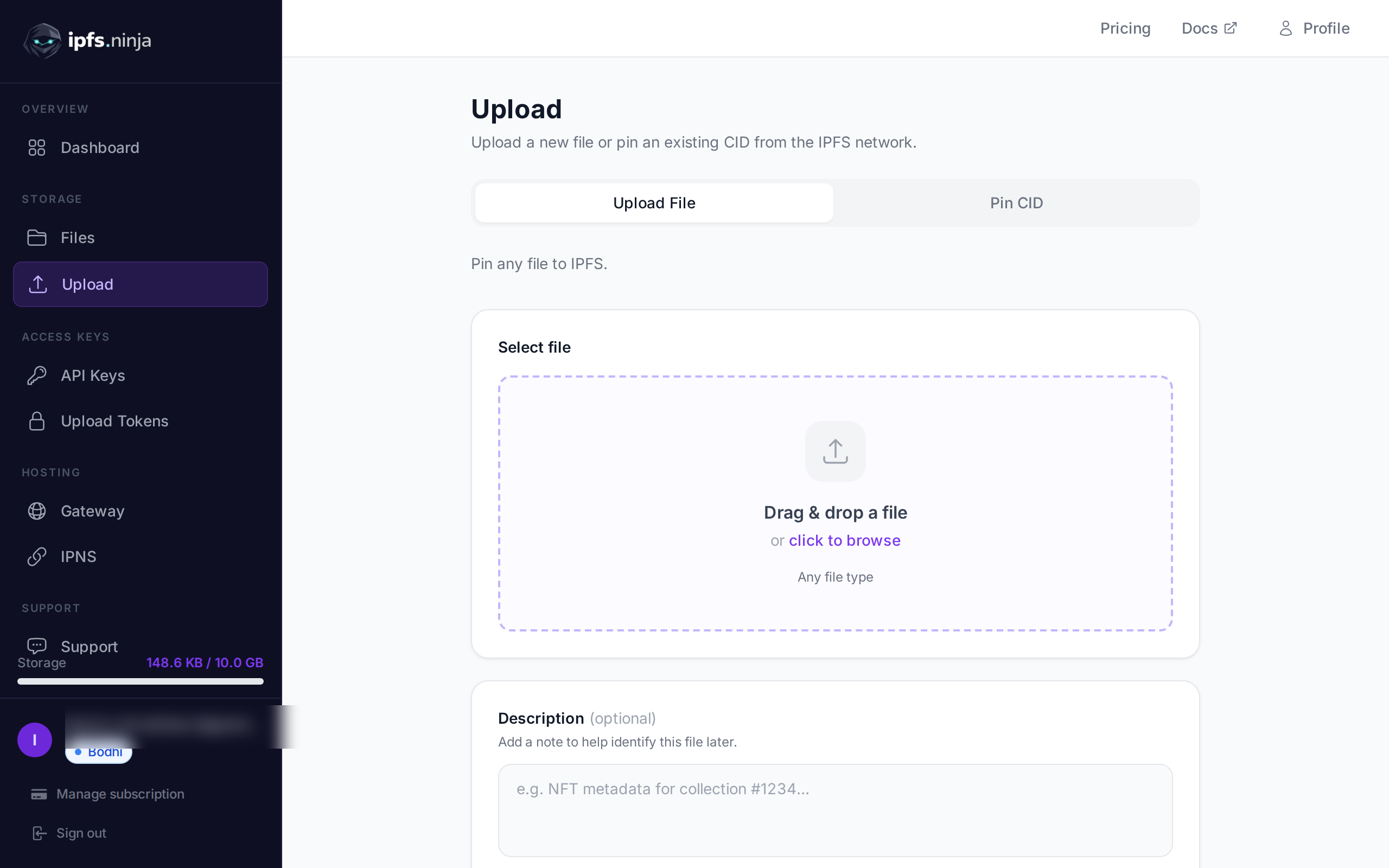
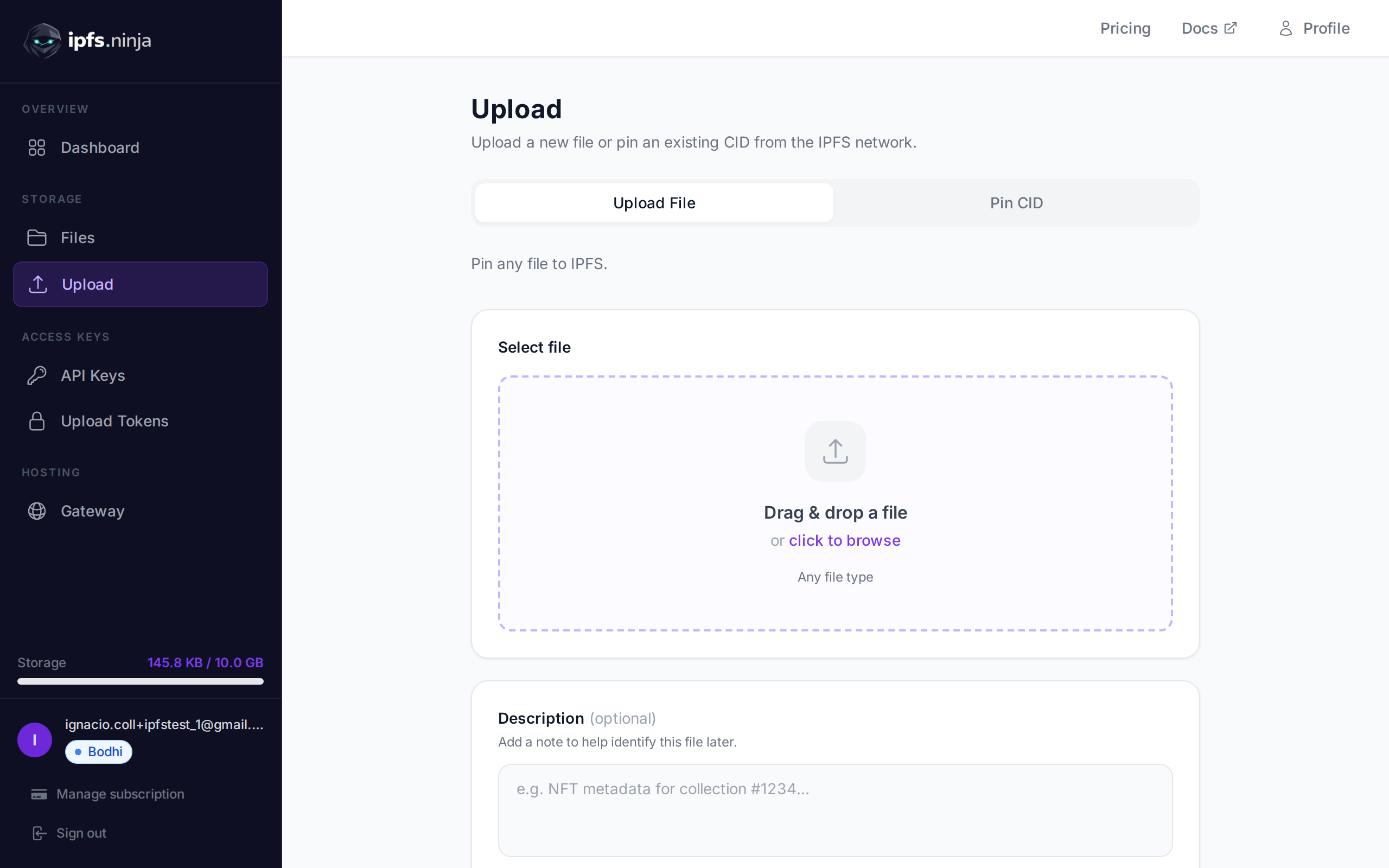
imagefield (and anyanimation_url,external_url,properties.files), and add those CIDs to the list. - Create an IPFS.NINJA account and generate an API key. The 7-day trial runs on full Bodhi capacity (10 GB storage, unlimited files, 20 GB bandwidth, 1 dedicated gateway) with no credit card.
- Re-pin every CID — metadata JSONs and their referenced assets — through
POST https://api.ipfs.ninja/pin. The endpoint is idempotent, so batches are safe to re-run. - Verify each
tokenURIresolves end-to-end through the new gateway (metadata JSON parses,imageCID responds 200) before you unpin from anywhere else.
What actually happened, and what didn’t#
NFT.Storage split into two products in mid-2024. The free upload tier — the one everybody had wired into their minting scripts because it was the fastest way to get an ipfs:// URI without a bill — was rebranded “NFT.Storage Classic” and closed to new uploads.
| Date | What changed |
|---|---|
| 2024-05 | Public announcement of the split. nft.storage (paid, per-GB one-time fee) launched; Classic marked for wind-down. |
| 2024-06-30 | Free uploads to the Classic API stopped accepting new content. Existing CIDs stayed pinned through announced partnerships with Pinata and Lighthouse. |
| After 2024-06-30 | New workloads had to move to either paid nft.storage (per-GB, priced at nft.storage/pricing) or a different IPFS pinning provider. |
Two things worth being precise about:
- NFT.Storage is not “dead.” The paid product exists and is still shipping. If you have a workload that fits their per-GB pricing model and don’t need pinning-service features like custom gateways, upload tokens, or IPNS, it’s a legitimate option — check their current pricing page.
- Old Classic pins were not deleted overnight. Partnerships with Pinata and Lighthouse were announced for hot-storage continuity. But if you rely on that continuity for a mission-critical NFT collection, you should own the pinning yourself. Somebody else’s promise to keep your CID hot is not a durability guarantee.
If you are reading this because a tokenURI in your contract is starting to load slowly, or because a Discord user pinged you about broken metadata on a marketplace, the fix is the same either way: re-pin the CIDs yourself, on infrastructure you control the credentials to.
Step 1 — Reclaim your CID list from the chain#
For an ERC-721 collection, every minted token has a tokenURI recorded on-chain. That is the durable source of truth for what your collection points at — no dashboard export required. Using Foundry’s cast:
export CONTRACT="0xYourContractAddress"
export RPC="https://eth.llamarpc.com"
export MAX_ID=10000   # your collection size

for id in $(seq 1 $MAX_ID); do
  uri=$(cast call $CONTRACT "tokenURI(uint256)(string)" $id --rpc-url $RPC 2>/dev/null)
  # Strip trailing/leading quotes cast emits and print
  echo "$id $uri" | sed 's/"//g'
done > tokenuris.txt
Expected output:
1 ipfs://bafybeigd.../1.json
2 ipfs://bafybeigd.../2.json
...
Then extract the metadata CIDs to a flat list:
# Handle both ipfs://<cid>/<path> and ipfs://<cid> shapes
grep -oE 'ipfs://[a-zA-Z0-9]+' tokenuris.txt \
  | sed 's|ipfs://||' \
  | sort -u > metadata-cids.txt

wc -l metadata-cids.txt
If your collection uses a shared base URI (i.e. every tokenURI is ipfs://<one-cid>/<tokenId>.json), metadata-cids.txt collapses to a single directory CID. Pinning that one CID pins every metadata file inside it.
Alternatives when cast isn’t right for your chain: on Polygon, Base, Arbitrum, or any EVM chain, swap the --rpc-url for the appropriate RPC and it still works. On Solana, Aptos, or Sui, use the SDK equivalent — the pattern is the same, walk the token range, pull the URI. If you’re on a network with contract event indexing (The Graph, Alchemy, Ankr), a subgraph query is faster than the per-token loop above.
Step 2 — Extract nested image + asset CIDs#
Metadata JSONs typically reference at least one image CID, sometimes an animation_url, and possibly more. If you only pin the metadata JSON and not the image it references, the marketplace preview loads a JSON that then fails to render an asset — technically the pin worked, but nobody sees a picture.
Fetch each metadata file and pull every ipfs:// reference out of it:
# Requires jq. Uses the public IPFS.NINJA gateway to fetch the metadata.
> asset-cids.txt
while read cid; do
  curl -s "https://ipfs.ninja/ipfs/$cid" \
    | jq -r 'to_entries[] | .value | strings' 2>/dev/null \
    | grep -oE 'ipfs://[a-zA-Z0-9]+' \
    | sed 's|ipfs://||' >> asset-cids.txt
done < metadata-cids.txt

sort -u asset-cids.txt -o asset-cids.txt
wc -l asset-cids.txt
Merge the two lists — that’s the complete pin set your collection needs:
cat metadata-cids.txt asset-cids.txt | sort -u > all-cids.txt
wc -l all-cids.txt
If a metadata JSON fails to fetch here, it’s already unavailable on the public network. Add it to a separate unreachable.txt for manual investigation — usually a CID that was only ever pinned by a single retired node, or one where the metadata file was uploaded but nobody ever pinned it in the first place.
Step 3 — Pin to IPFS.NINJA#
Sign up — the 7-day trial runs on full Bodhi capacity, no credit card:
- Unlimited files and 10 GB storage
- 20 GB bandwidth per month
- 1 dedicated gateway on the
<slug>.gw.ipfs.ninjasubdomain - 1 IPNS key + 10 publishes/month (relevant if any of your collection is mutable — see below)
- CAR import, S3-compatible endpoint, MCP server
At day 8, Bodhi at $5/mo continues at those same limits; Karma ($19/mo) bumps to 100 GB / 100 GB bandwidth; Nirvana ($59/mo) is 1 TB / 500 GB bandwidth. If you don’t upgrade, your account transitions to a 30-day read-only state — the pins keep serving through the gateway, and re-subscribing at any point resumes uploads.
Generate an API key in the dashboard (API Keys → New key) and pin a single CID as a smoke test:
export NINJA_KEY="bws_a1b2c3d4e5f6a7b8c9d0e1f2a3b4c5d6"

curl -s -X POST https://api.ipfs.ninja/pin \
  -H "X-Api-Key: $NINJA_KEY" \
  -H "Content-Type: application/json" \
  -d '{"cid":"bafybeigdyrzt5sfp7udm7hu76uh7y26nf3efuylqabf3oclgtqy55fbzdi","description":"nft.storage migration test"}' \
  | jq
Full endpoint reference: ipfs.ninja/docs/api/pinning.
Step 4 — Batch-pin the whole collection#
For anything bigger than a few dozen CIDs, run it from Node.js so retries, backoff, and reporting are built in. The script below works on Node.js 18 or later using the built-in fetch — no dependencies to install.
// migrate-nft-storage.mjs
// Requires Node.js 18+. Run: node migrate-nft-storage.mjs all-cids.txt
import { readFile, writeFile } from "node:fs/promises";

const API_KEY = process.env.NINJA_KEY;
const API_BASE = "https://api.ipfs.ninja";
const CONCURRENCY = 5;
const MAX_RETRIES = 3;

if (!API_KEY) {
  console.error("Set NINJA_KEY in your environment.");
  process.exit(1);
}

const sleep = (ms) => new Promise((r) => setTimeout(r, ms));

async function pinCid(cid, attempt = 1) {
  try {
    const res = await fetch(`${API_BASE}/pin`, {
      method: "POST",
      headers: {
        "Content-Type": "application/json",
        "X-Api-Key": API_KEY,
      },
      body: JSON.stringify({
        cid,
        description: "migrated from nft.storage",
      }),
    });

    if (res.status === 402) {
      // Plan limit hit — response body carries the upgrade path.
      const body = await res.json();
      throw new Error(`plan limit: ${body.error} (${body.dimension})`);
    }
    if (!res.ok) throw new Error(`HTTP ${res.status}: ${await res.text()}`);

    return await res.json();
  } catch (err) {
    if (attempt >= MAX_RETRIES) throw err;
    await sleep(1000 * 2 ** (attempt - 1)); // 1s, 2s, 4s exponential backoff
    return pinCid(cid, attempt + 1);
  }
}

async function main() {
  const inputPath = process.argv[2] || "all-cids.txt";
  const cids = (await readFile(inputPath, "utf8"))
    .split("\n")
    .map((l) => l.trim())
    .filter(Boolean);

  console.log(`Migrating ${cids.length} CIDs with concurrency=${CONCURRENCY}...`);

  const results = { ok: [], failed: [] };
  for (let i = 0; i < cids.length; i += CONCURRENCY) {
    const batch = cids.slice(i, i + CONCURRENCY);
    const outcomes = await Promise.allSettled(batch.map((c) => pinCid(c)));

    outcomes.forEach((o, idx) => {
      const cid = batch[idx];
      if (o.status === "fulfilled") {
        results.ok.push({ cid, status: o.value.status });
        console.log(`  ok    ${cid} -> ${o.value.status}`);
      } else {
        results.failed.push({ cid, error: o.reason.message });
        console.error(`  fail  ${cid} -> ${o.reason.message}`);
      }
    });
  }

  await writeFile("migration-report.json", JSON.stringify(results, null, 2));
  console.log(
    `\nDone. ${results.ok.length} succeeded, ${results.failed.length} failed.`,
  );
}

main().catch((e) => {
  console.error(e);
  process.exit(1);
});
Run it:
export NINJA_KEY="bws_..."
node migrate-nft-storage.mjs all-cids.txt
Pinning is asynchronous for any CID we don’t already hold on the cluster — the response returns status: "pinning" and you poll GET /pin/{cid} until status flips to "pinned". Typical mid-sized content resolves within a few minutes; a large directory CID with thousands of files takes longer.
Anything in migration-report.json’s failed array is worth manual inspection — usually a malformed CID (paste error in the source), or a CID that isn’t findable on the public DHT because the original uploader was the only holder and their node is gone.
NFT-specific considerations#
Why CIDs matter more for NFTs than for anything else#
An IPFS CID is a cryptographic hash of the content. It has three properties that matter for NFTs specifically:
- Immutability. Change one byte of the metadata JSON and the CID changes. If your
tokenURIpoints atipfs://bafy..., no one can silently swap the underlying image or attributes — the hash would no longer match. - Tamper detection. Marketplaces and wallets can verify the content they fetched matches the CID they asked for. There is no equivalent guarantee for
https://metadata URLs. - Provider portability. The same content pinned on NFT.Storage, on IPFS.NINJA, on Pinata, or on your own IPFS node produces the identical CID. This is the whole point of content addressing — providers are interchangeable, and migrating between them doesn’t change what your contract points at.
If your collection was minted with https:// metadata URLs pointing at a provider gateway (like https://<slug>.ipfs.dweb.link/...) instead of ipfs:// URIs, this migration is harder — you either need to keep that hostname resolving forever, or accept that you’re going to redeploy contracts. This is one of the reasons the ipfs:// scheme is the recommended pattern.
What moves cleanly, what doesn’t#
Cleanly:
ipfs://<cid>URIs on-chain. No contract changes. Wallets and marketplaces resolve via their own gateway of choice.ipfs://<cid>/pathURIs on-chain. Same story.- Directory-CID collections where every token points at a subpath of one root CID.
Requires attention:
https://<slug>.ipfs.dweb.link/...URLs baked into on-chain metadata. Those hostnames were an NFT.Storage-managed gateway. The CID is still valid, but the URL isn’t guaranteed to resolve forever. Where you can, redirect via a proxy or serve the CID from a gateway you control.- Off-chain metadata registries (marketplace-specific “hidden” collections, some Layer 2 approaches) — these often store
ipfs://URIs in a separate database. If that database still exists, the fix is to re-index. If it doesn’t, treat those NFTs as needing manual re-registration.
IPNS for mutable metadata#
Some collections publish evolving state (in-game progress, PFP customization, dynamic traits) via IPNS — an ipns:// name that resolves to whatever the latest CID is. If your collection uses IPNS pointers, migration has an extra step: re-publish the current record on the new provider under the same key, or (if you own the private key) import the key into IPFS.NINJA and continue publishing there. IPFS.NINJA gives every paid plan an IPNS key allowance with monthly publish quotas — Bodhi has 1 key / 10 publishes/month, Karma 3 / 50, Nirvana 10 / 1,000.
If you don’t need mutable pointers, don’t set them up. Immutable CIDs are the safer default for anything a smart contract touches.
Feature comparison: NFT.Storage Classic → IPFS.NINJA#
| Feature | NFT.Storage Classic (free tier ended 2024-06-30) | IPFS.NINJA |
|---|---|---|
| Free tier for new uploads | Discontinued 2024-06-30 | 7-day trial on Bodhi capacity, no credit card |
| Paid tier | nft.storage — per-GB one-time fee (see nft.storage/pricing) | Flat monthly: Bodhi $5, Karma $19, Nirvana $59 |
| Metadata pinning by CID | POST /api/v0/pin/add (Classic API) | POST /pin (JSON, idempotent) |
| Uploading new content | Classic: closed. nft.storage: paid API. | POST /upload/new (JSON body, base64 or stream) |
| Gateway | <cid>.ipfs.dweb.link (managed) | ipfs.ninja/ipfs/<cid> (public) or <slug>.gw.ipfs.ninja (dedicated) |
| CAR import | Supported historically on Classic | POST /upload/car |
| S3-compatible endpoint | Not offered | Yes — drop-in for S3 clients |
| IPNS | Limited | Per-plan keys and publish quota |
| MCP for AI agents | Not offered | @ipfs-ninja/mcp-server, 12 tools |
| Auth | API token (Classic) | X-Api-Key header + signed upload tokens |
If you were using the Classic POST /api/v0/pin/add endpoint from an SDK that assumed the Kubo HTTP RPC shape, IPFS.NINJA’s REST API is intentionally different (simpler, JSON in/out, no multipart). The Step 4 script above and the upload API tutorial cover the mapping.
Post-migration verification#
Two checks before you consider the migration done:
Pin-status check — confirms every CID is actually held on the new cluster:
while read cid; do
  status=$(curl -s "https://api.ipfs.ninja/pin/$cid" \
    -H "X-Api-Key: $NINJA_KEY" | jq -r '.status')
  echo "$cid $status"
done < all-cids.txt | grep -v " pinned$" | tee missing.txt
If missing.txt is empty, every CID is pinned. If not, wait 5 minutes for asynchronous pins to complete, then re-run.
End-to-end tokenURI check — confirms that a real marketplace or wallet request will succeed. For each token ID, this walks: tokenURI on-chain → fetch metadata JSON via IPFS.NINJA → extract image CID → fetch image via IPFS.NINJA. If any step fails, that token is broken from a user’s perspective, regardless of what the pin status says.
# Sample check across a handful of token IDs. Loop the full range in prod.
for id in 1 100 500 1000; do
  uri=$(cast call $CONTRACT "tokenURI(uint256)(string)" $id --rpc-url $RPC \
        | sed 's/"//g')
  cid=$(echo $uri | sed 's|ipfs://||' | cut -d/ -f1)
  path=$(echo $uri | sed 's|ipfs://||' | cut -d/ -f2-)

  meta=$(curl -sf "https://ipfs.ninja/ipfs/$cid/$path")
  image=$(echo "$meta" | jq -r .image | sed 's|ipfs://||')

  http=$(curl -s -o /dev/null -w "%{http_code}" "https://ipfs.ninja/ipfs/$image")
  echo "token=$id metadata=ok image=$http"
done
Anything that isn’t image=200 gets investigated before you touch anywhere else your collection is pinned.
Why we wrote this#
Our support inbox picks up a variation of the same question every few months since 2024: “NFT.Storage Classic stopped accepting my uploads — where do we go now?” The team behind NFT.Storage did the right thing at wind-down (pin retention through partnerships, clear communication about the split, a paid product to catch anyone who preferred to stay in the family), but “somebody else is holding my pins” isn’t a durability model for an NFT collection that needs to outlive whoever’s running the pinning provider this quarter.
The landscape has thinned since. Infura IPFS shut down earlier this month. Fleek deprecated its dedicated IPFS product. Storj filed Chapter 11 in July. The list of providers that offer a genuinely-free entry point for NFT developers — the free tier that lets you mint your first collection without a bill or a credit card — is short and getting shorter.
IPFS.NINJA’s 7-day trial runs on full Bodhi capacity with no card required, which is enough to migrate a mid-sized NFT collection end-to-end and verify. After that, Bodhi is $5/mo for 10 GB and unlimited files, which is where most collections land. We built this because we wanted to run IPFS ourselves on infrastructure we control, and we’re still shipping: unlimited files on Bodhi as of the last tier update, IPNS on every paid plan, an MCP server for AI-agent uploads, a Cloudflare-backed dedicated gateway per project.
If you get stuck at any step, our support inbox is hello@ipfs.ninja — include your missing.txt file if any CIDs failed to resolve, and we’ll poke the cluster from our side.
Ready to move your collection? Start your 7-day trial — full Bodhi capacity, no credit card. Then Bodhi $5/mo, Karma $19/mo, or Nirvana $59/mo.
About the author
Nacho Coll
Founder & Engineer at IPFS.NINJA
Nacho founded IPFS.NINJA to make content-addressed storage feel as simple as an S3 PUT — a single API call, a permanent CID, no wallets or peer discovery to reason about. Writes about IPFS internals, decentralized storage patterns, and the pinning-service landscape from the operator side of the wire.