

Go IPFS Upload: Pin Files from Golang Applications
Upload and pin files to IPFS from Go applications. Complete guide with net/http examples and error handling patterns.
 by Nacho Coll
Nacho founded IPFS.NINJA to make content-addressed storage feel as simple as an S3 PUT — a single API call, a permanent CID, no wallets or peer discovery to reason about.
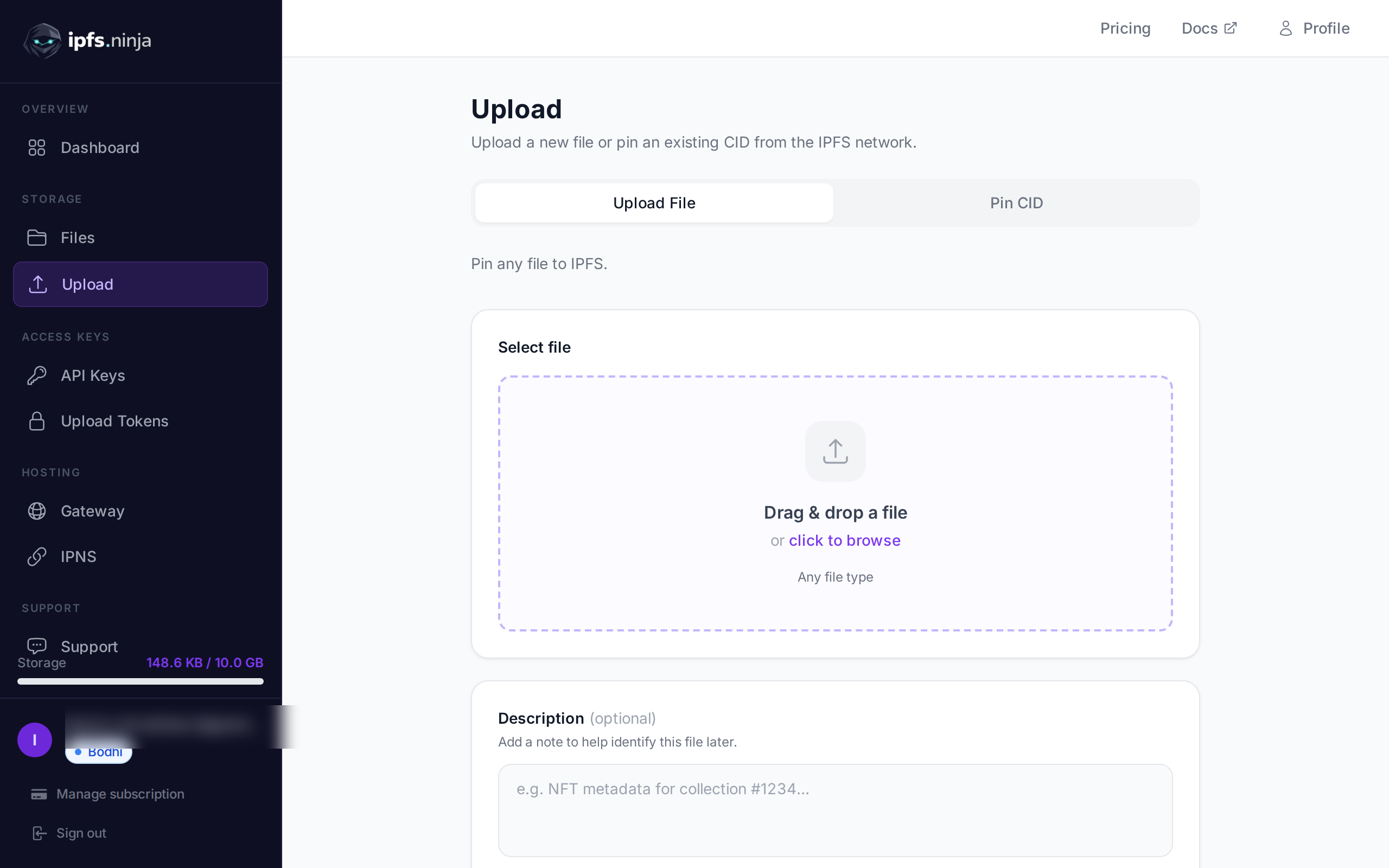
To upload to IPFS from Go, POST your file to a pinning service’s REST API using net/http and encoding/json — no Go SDK, no cgo bindings, no third-party dependency. Go’s standard library covers the entire surface. This guide walks through uploading JSON and binary files, listing and pinning content, and fanning out batches with goroutines.
Last verified: 2026-08-27.
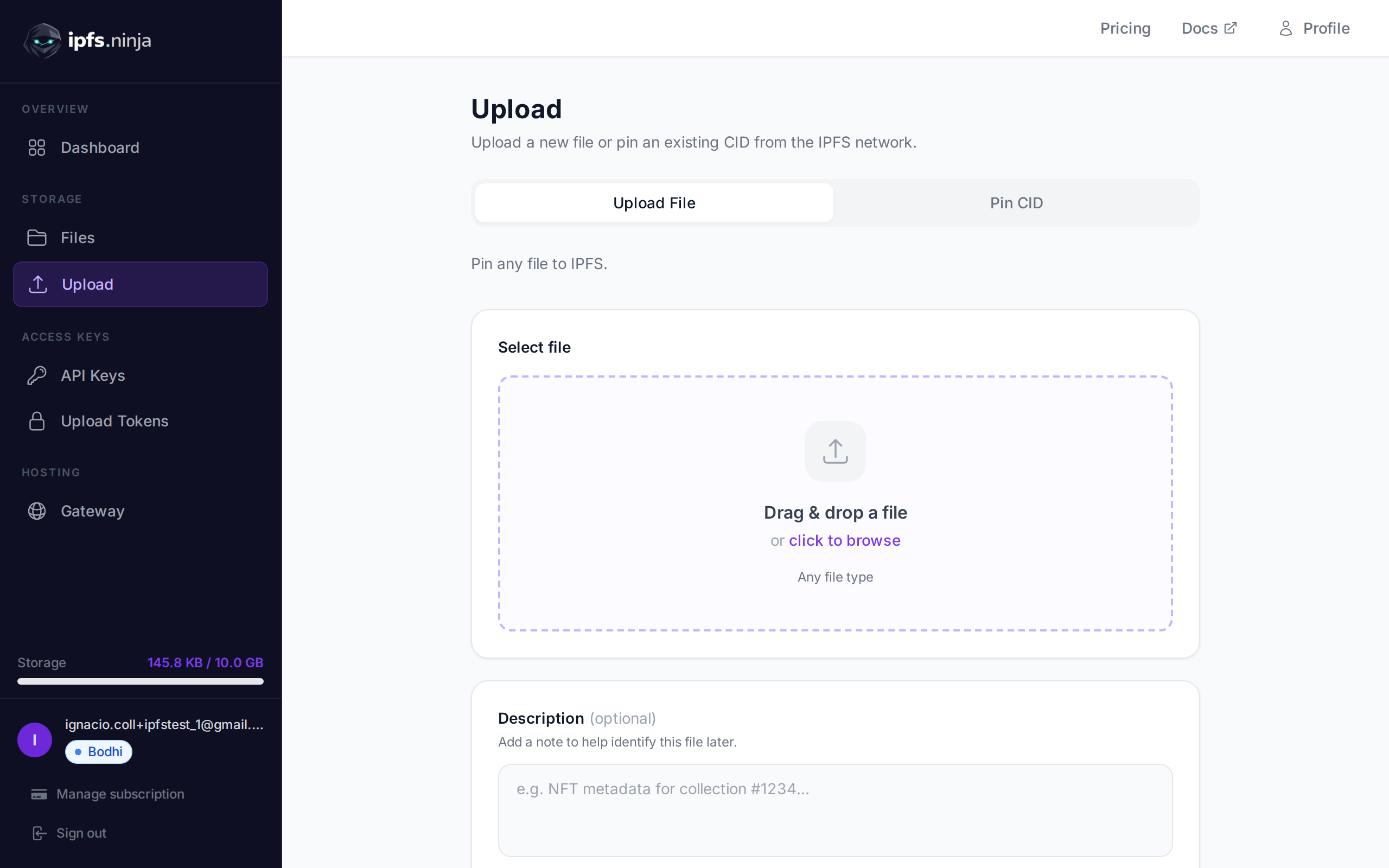
Upload JSON to IPFS in Go (30 seconds)#
To upload JSON to IPFS in Go in under 30 seconds, marshal your payload with encoding/json, wrap it in a bytes.NewReader, and POST it to https://api.ipfs.ninja/upload/new with an X-Api-Key header. The response returns the CID. The example below runs as-is with a valid API key — no dependencies beyond net/http. See the net/http package reference for underlying client behavior.
package main

import (
	"bytes"
	"encoding/json"
	"fmt"
	"io"
	"net/http"
)

const apiKey = "bws_a1b2c3d4e5f6a1b2c3d4e5f6a1b2c3d4"

func main() {
	payload := map[string]any{
		"content": map[string]any{
			"name": "Alice",
			"role": "Go developer",
		},
		"description": "profile.json",
	}

	body, _ := json.Marshal(payload)
	req, _ := http.NewRequest(http.MethodPost, "https://api.ipfs.ninja/upload/new", bytes.NewReader(body))
	req.Header.Set("X-Api-Key", apiKey)
	req.Header.Set("Content-Type", "application/json")

	resp, err := http.DefaultClient.Do(req)
	if err != nil {
		panic(err)
	}
	defer resp.Body.Close()

	out, _ := io.ReadAll(resp.Body)
	fmt.Println(string(out))
}
That’s a full, runnable upload. The rest of this guide builds a reusable client around this same pattern.
Struct Definitions for API Responses#
Go’s static typing turns the API’s JSON response into a compile-time contract — decoding into named structs catches mismatches before your code ships. Define UploadResponse, FileInfo, ListResponse, and an APIError type once, then reuse them across every upload, list, and pin call. The json: tags map the API’s camelCase fields onto idiomatic Go names.
package ipfsninja

type UploadResponse struct {
	CID    string `json:"cid"`
	SizeMB float64 `json:"sizeMB"`
	URIs   struct {
		IPFS string `json:"ipfs"`
		URL  string `json:"url"`
	} `json:"uris"`
}

type FileInfo struct {
	CID         string `json:"cid"`
	Description string `json:"description"`
	SizeMB      float64 `json:"sizeMB"`
	CreatedAt   string `json:"createdAt"`
}

type ListResponse struct {
	Total int        `json:"total"`
	Files []FileInfo `json:"files"`
}

type APIError struct {
	StatusCode int
	Message    string
}

func (e *APIError) Error() string {
	return e.Message
}
A Minimal Go Client#
Wrap the raw net/http calls in a small Client struct so callers don’t repeat header setup, JSON marshaling, and status-code checking on every request. The Client.do helper below centralizes authentication (via the X-Api-Key header), request encoding, and non-2xx handling. Consult the net/http package documentation for connection reuse, timeouts, and transport tuning.
package ipfsninja

import (
	"bytes"
	"encoding/json"
	"fmt"
	"io"
	"net/http"
)

type Client struct {
	APIKey  string
	BaseURL string
	HTTP    *http.Client
}

func New(apiKey string) *Client {
	return &Client{
		APIKey:  apiKey,
		BaseURL: "https://api.ipfs.ninja",
		HTTP:    http.DefaultClient,
	}
}

func (c *Client) do(method, path string, payload any) (*http.Response, error) {
	var body io.Reader
	if payload != nil {
		b, err := json.Marshal(payload)
		if err != nil {
			return nil, err
		}
		body = bytes.NewReader(b)
	}

	req, err := http.NewRequest(method, c.BaseURL+path, body)
	if err != nil {
		return nil, err
	}
	req.Header.Set("X-Api-Key", c.APIKey)
	req.Header.Set("Content-Type", "application/json")

	resp, err := c.HTTP.Do(req)
	if err != nil {
		return nil, err
	}
	if resp.StatusCode >= 400 {
		defer resp.Body.Close()
		out, _ := io.ReadAll(resp.Body)
		return nil, &APIError{StatusCode: resp.StatusCode, Message: fmt.Sprintf("%d: %s", resp.StatusCode, string(out))}
	}
	return resp, nil
}
Uploading JSON Data#
func (c *Client) UploadJSON(content any, description string) (*UploadResponse, error) {
	resp, err := c.do(http.MethodPost, "/upload/new", map[string]any{
		"content":     content,
		"description": description,
	})
	if err != nil {
		return nil, err
	}
	defer resp.Body.Close()

	var out UploadResponse
	if err := json.NewDecoder(resp.Body).Decode(&out); err != nil {
		return nil, err
	}
	return &out, nil
}
Uploading Binary Files#
Files upload the same way JSON does — base64-encode the bytes and send them as content:
import (
	"encoding/base64"
	"os"
)

func (c *Client) UploadFile(path, description string) (*UploadResponse, error) {
	raw, err := os.ReadFile(path)
	if err != nil {
		return nil, err
	}
	encoded := base64.StdEncoding.EncodeToString(raw)

	return c.UploadJSON(encoded, description)
}
For large files, avoid loading the whole thing into memory with os.ReadFile — stream through io.Copy into a base64.NewEncoder writer instead, or split ingestion out of the request body entirely for anything over a few hundred MB.
Listing and Pinning Files#
func (c *Client) ListFiles(fromMs, toMs int64) (*ListResponse, error) {
	resp, err := c.do(http.MethodGet, fmt.Sprintf("/upload/list?from=%d&to=%d", fromMs, toMs), nil)
	if err != nil {
		return nil, err
	}
	defer resp.Body.Close()

	var out ListResponse
	if err := json.NewDecoder(resp.Body).Decode(&out); err != nil {
		return nil, err
	}
	return &out, nil
}

func (c *Client) PinExisting(cid, description string) (*UploadResponse, error) {
	resp, err := c.do(http.MethodPost, "/pin", map[string]any{
		"cid":         cid,
		"description": description,
	})
	if err != nil {
		return nil, err
	}
	defer resp.Body.Close()

	var out UploadResponse
	if err := json.NewDecoder(resp.Body).Decode(&out); err != nil {
		return nil, err
	}
	return &out, nil
}
Concurrent Uploads with Goroutines#
When uploading a batch of files — build artifacts, a directory of images — fan the requests out with goroutines and collect results over a channel instead of uploading one at a time:
import "sync"

type uploadResult struct {
	Path     string
	Response *UploadResponse
	Err      error
}

func (c *Client) UploadDirectory(paths []string, concurrency int) []uploadResult {
	jobs := make(chan string)
	results := make(chan uploadResult, len(paths))

	var wg sync.WaitGroup
	for i := 0; i < concurrency; i++ {
		wg.Add(1)
		go func() {
			defer wg.Done()
			for path := range jobs {
				resp, err := c.UploadFile(path, path)
				results <- uploadResult{Path: path, Response: resp, Err: err}
			}
		}()
	}

	go func() {
		for _, p := range paths {
			jobs <- p
		}
		close(jobs)
	}()

	go func() {
		wg.Wait()
		close(results)
	}()

	out := make([]uploadResult, 0, len(paths))
	for r := range results {
		out = append(out, r)
	}
	return out
}
Cap concurrency at something reasonable (4-8) — the API applies per-key rate limits, and an unbounded goroutine-per-file fan-out will just trip them instead of finishing faster.
Error Handling#
Check resp.StatusCode explicitly rather than only checking err — a non-2xx response from net/http is not a Go error by default:
resp, err := client.UploadFile("./report.pdf", "Q3 report")
if err != nil {
	var apiErr *ipfsninja.APIError
	if errors.As(err, &apiErr) {
		switch apiErr.StatusCode {
		case 401:
			log.Fatal("check your API key")
		case 402:
			log.Fatal("plan limit reached — see the response body for upgrade details")
		case 429:
			log.Fatal("rate limited, back off and retry")
		default:
			log.Fatalf("upload failed: %v", apiErr)
		}
	}
	log.Fatal(err)
}
fmt.Println("pinned:", resp.CID, resp.URIs.URL)
Next Steps#
You now have a dependency-free Go client covering uploads, listing, pinning, and concurrent batch processing. For the full endpoint reference, see the IPFS upload API tutorial. If you’re new to pinning concepts, what is IPFS pinning covers the fundamentals this guide builds on.
Ready to start pinning? Start your 7-day trial — full Bodhi capacity (10 GB / 200 files / 20 GB bandwidth / 1 dedicated gateway). No credit card required. Then Bodhi $5/mo, Karma $19/mo, or Nirvana $59/mo.
About this article: This article was drafted by an AI assistant using IPFS.NINJA’s content generation workflow, then reviewed and approved by Nacho Coll. All code examples were verified against the live IPFS.NINJA API. If you spot an inaccuracy, please open an issue at https://github.com/ipfs-ninja/feedback. Read more about how we use AI in our content and meet the people behind IPFS.NINJA.
About the author
Nacho Coll
Founder & Engineer at IPFS.NINJA
Nacho founded IPFS.NINJA to make content-addressed storage feel as simple as an S3 PUT — a single API call, a permanent CID, no wallets or peer discovery to reason about. Writes about IPFS internals, decentralized storage patterns, and the pinning-service landscape from the operator side of the wire.